✦ AI Photo Creation
Your photo,
reimagined.
Add a partner, transform your style, step into any scene — powered by AI and ready in seconds.
 Scenes
 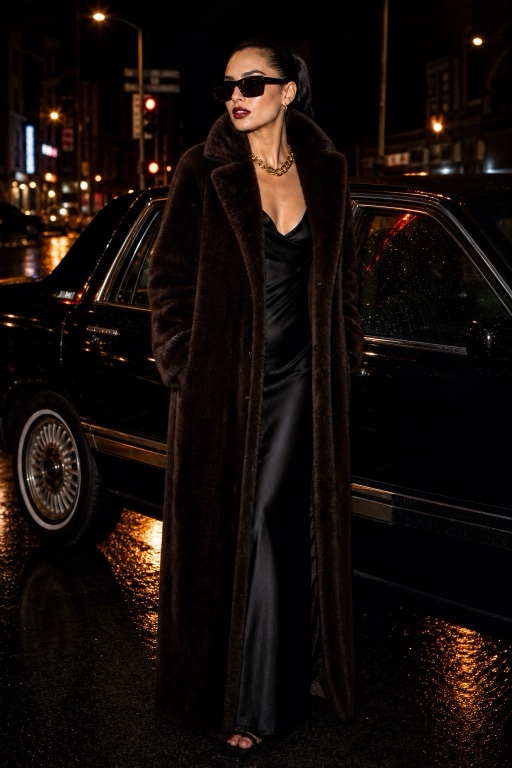 Style Me
 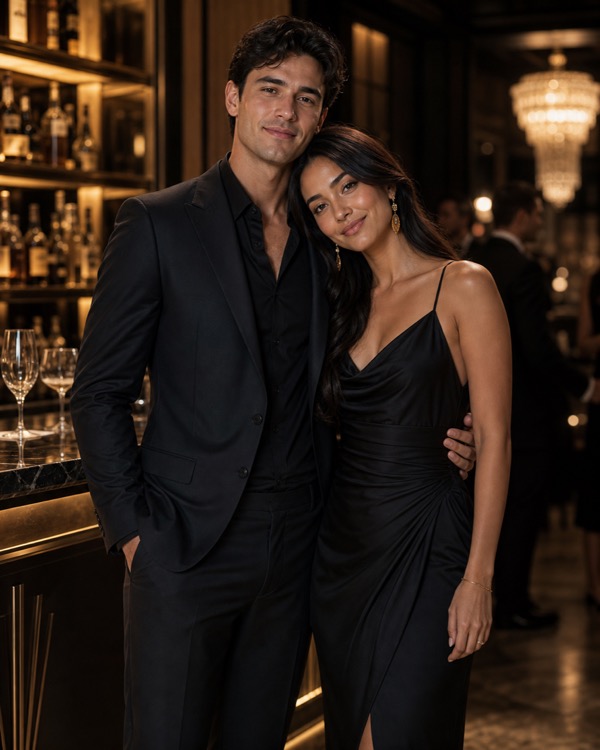 Add a partner
 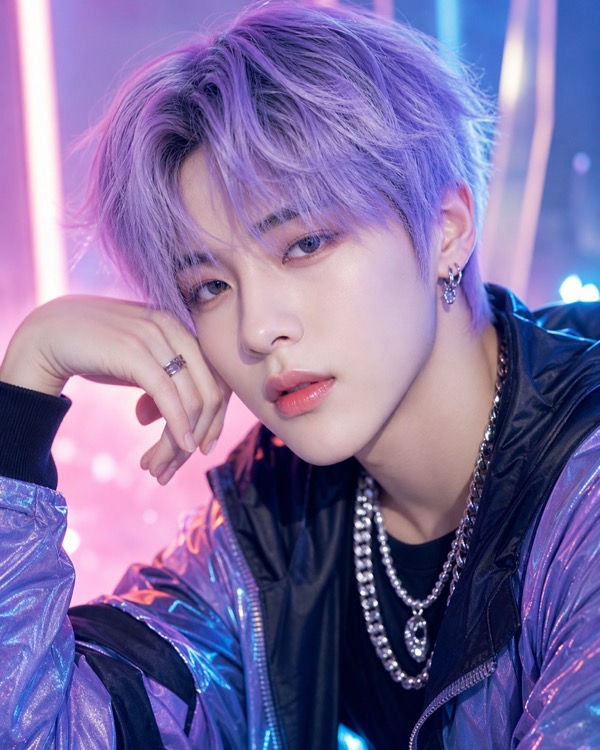 K-Pop Star
  Retro Anime
 Add a partner, transform your style, step into any scene — powered by AI and ready in seconds.
Scenes Style Me Add a partner K-Pop Star Retro Anime One app. Infinite creativity.
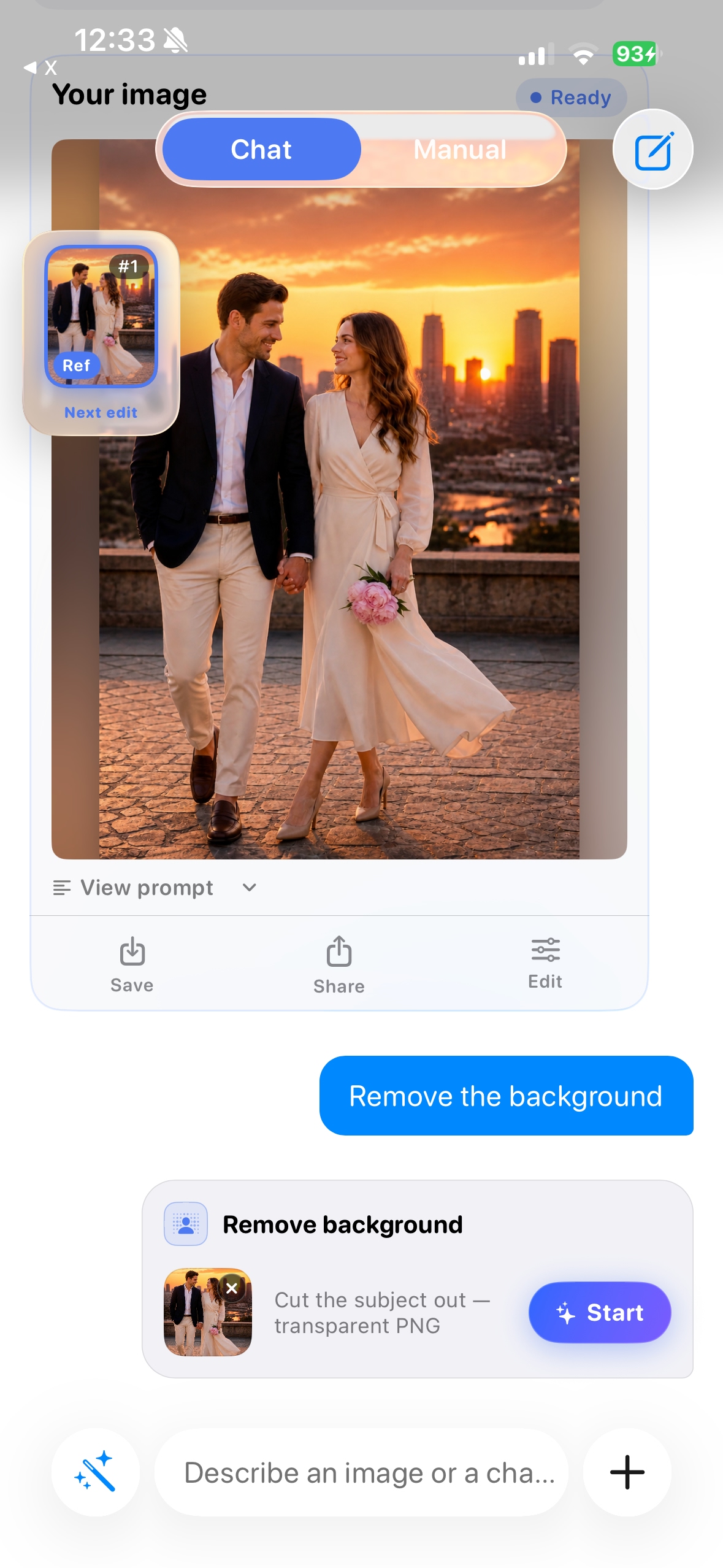
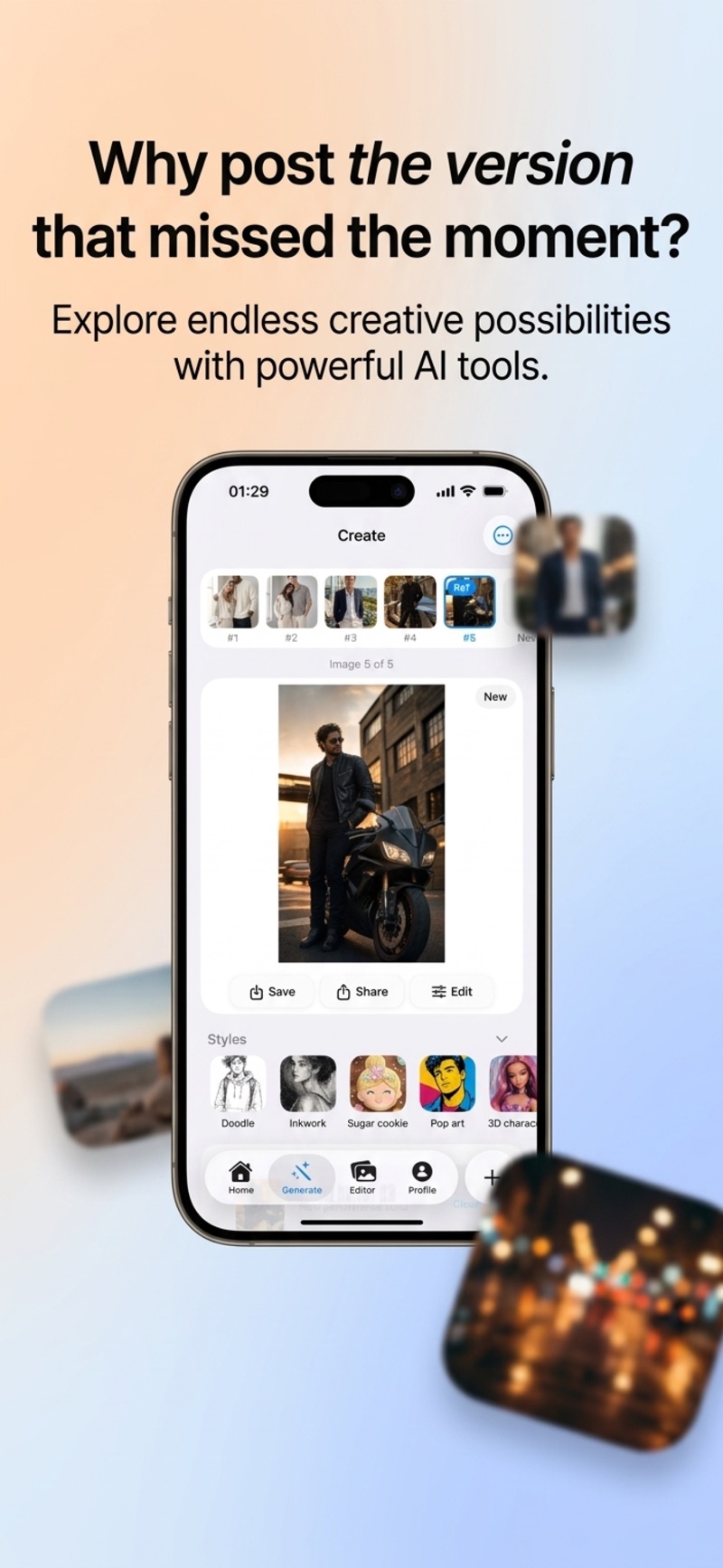
We took every AI editing tool and wrapped it in a single, intelligent conversation. No menus. No sliders. Just describe what you want — Lumia figures out the rest.
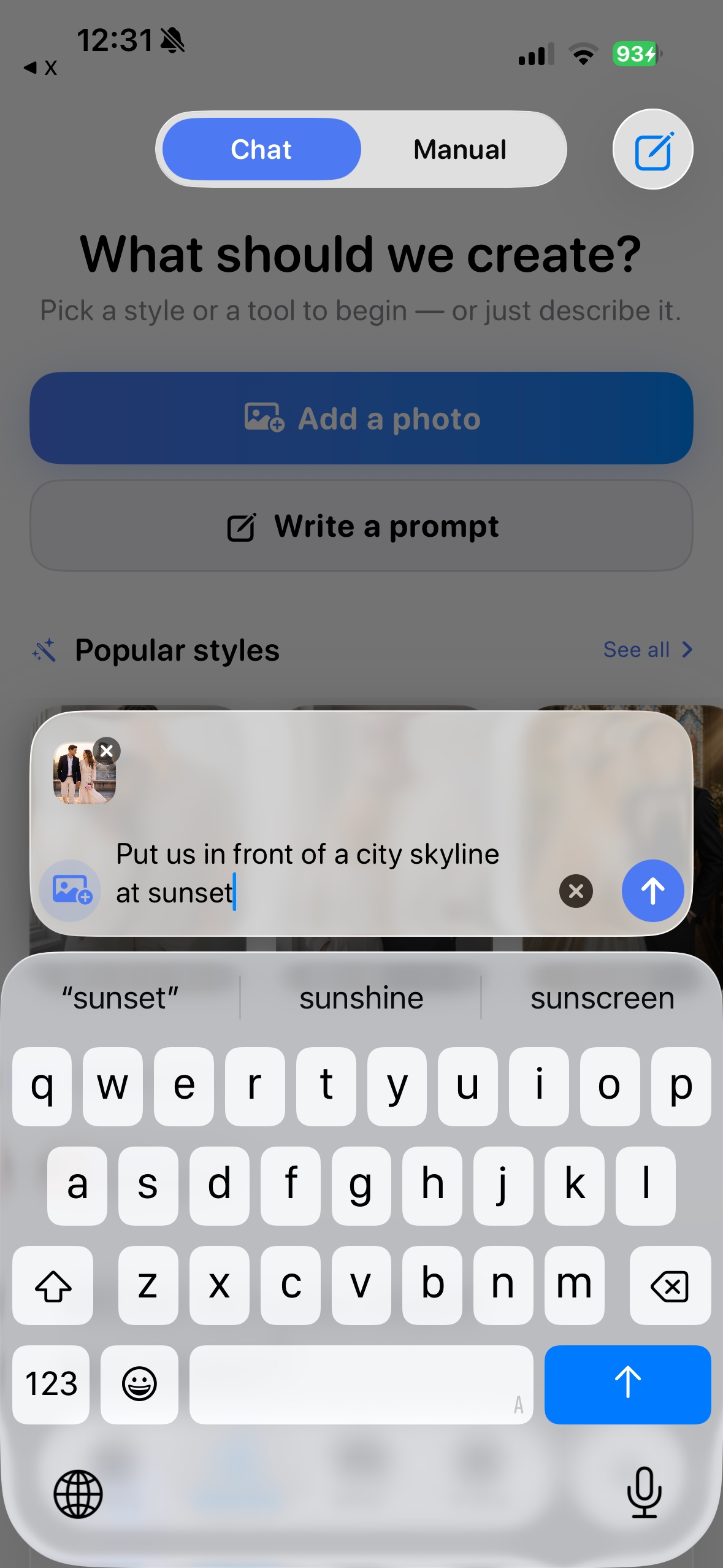
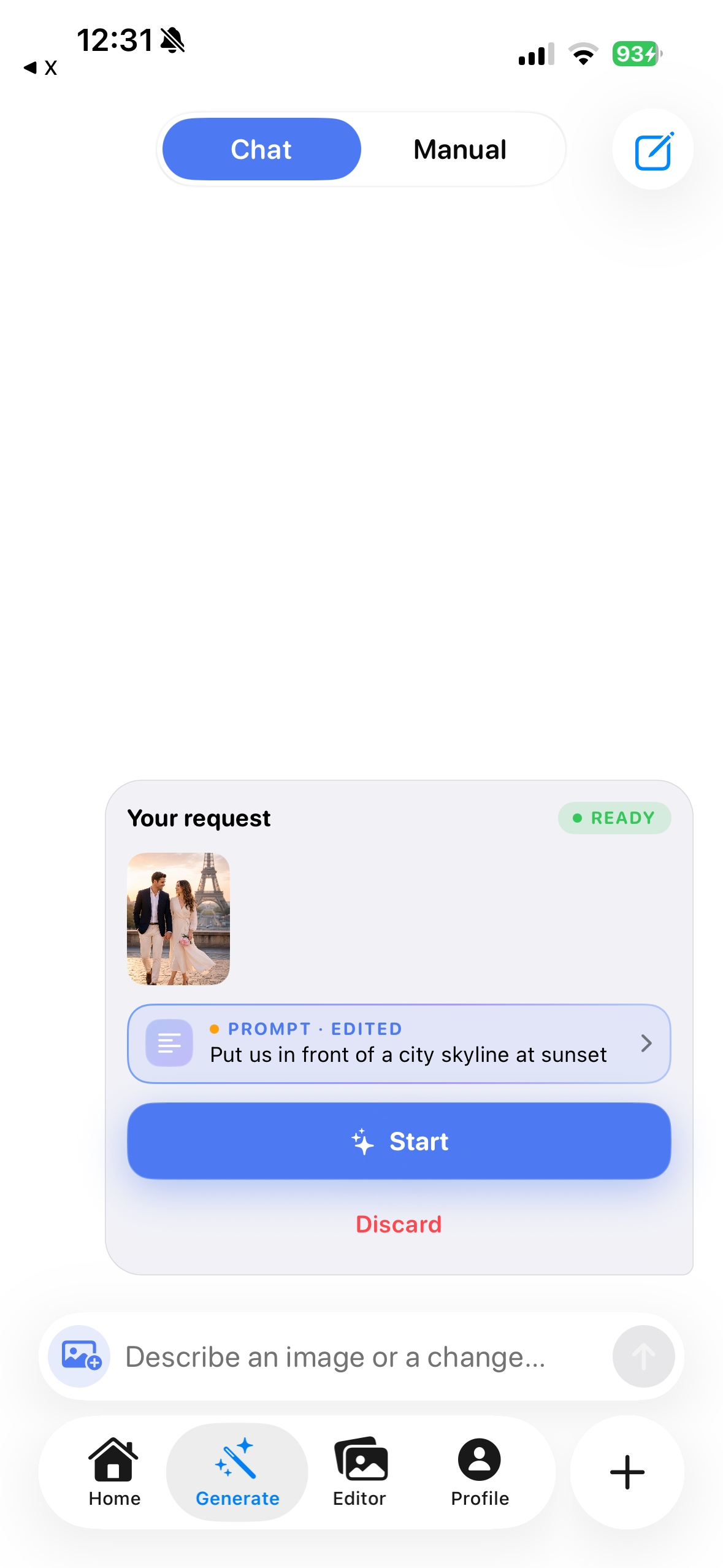
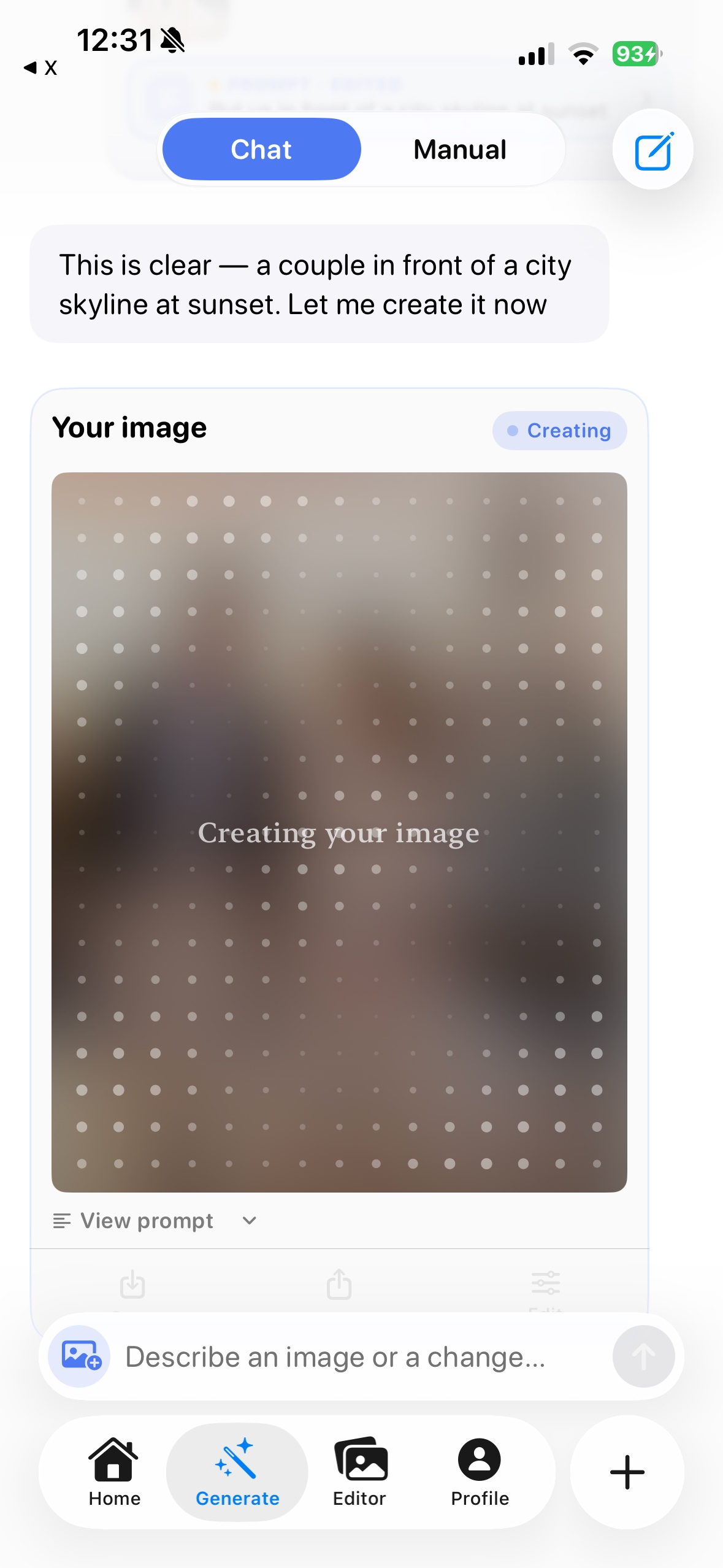
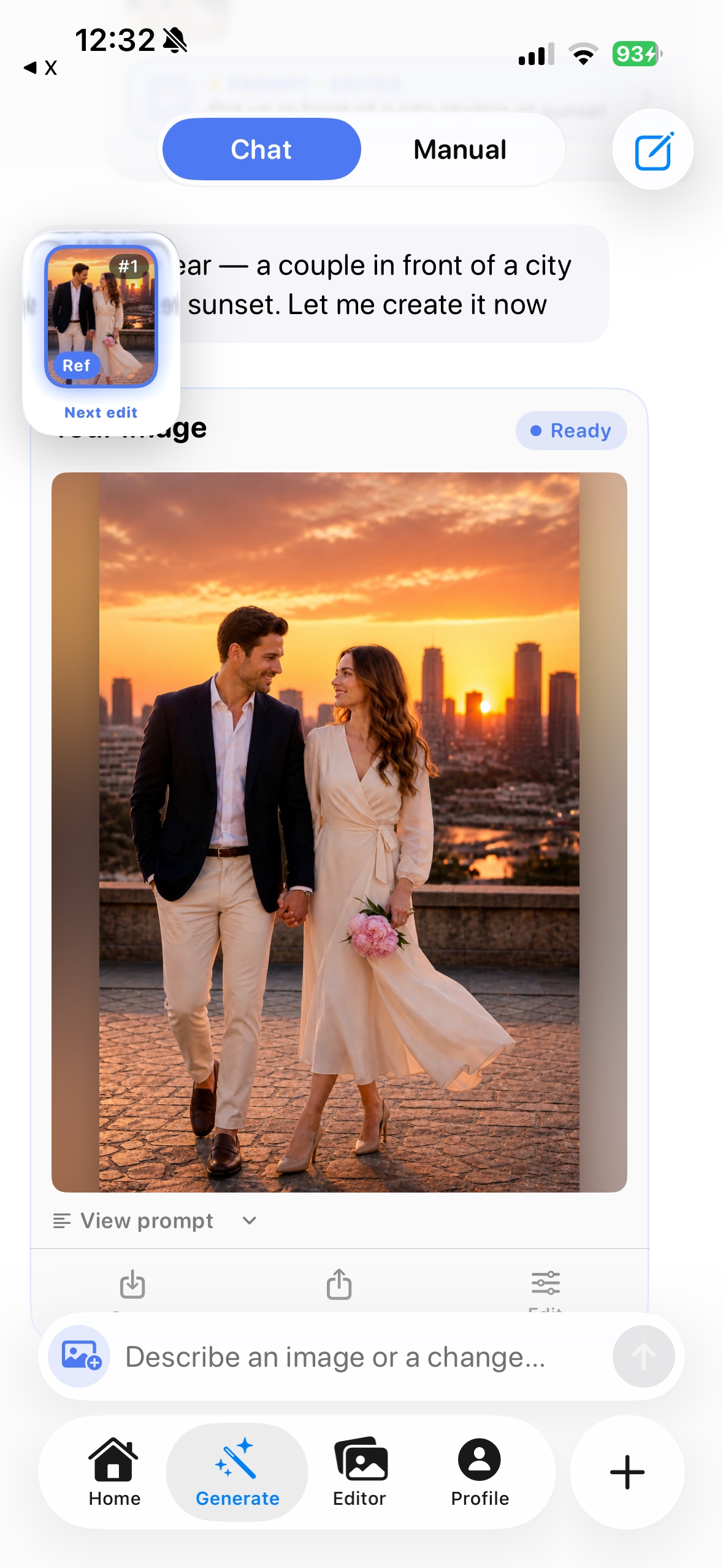
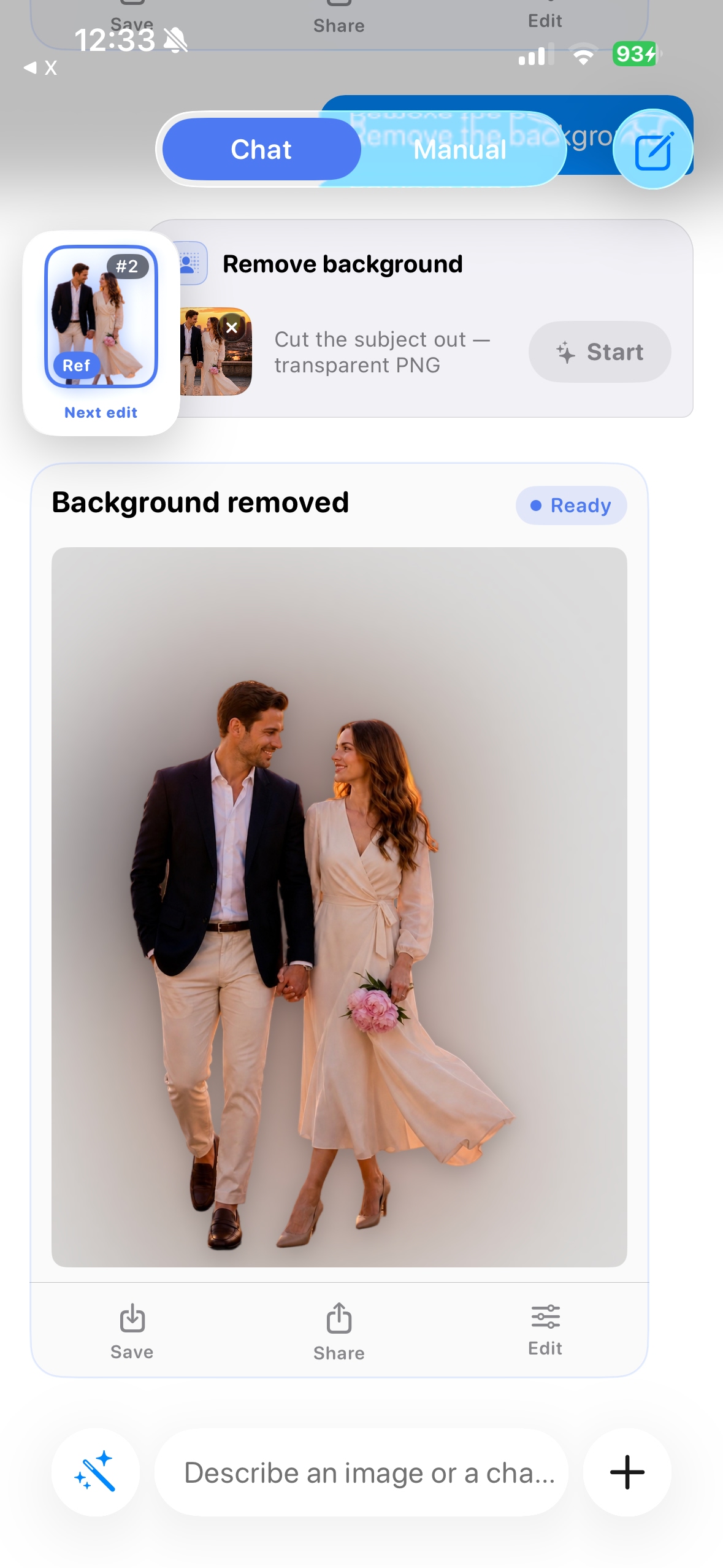
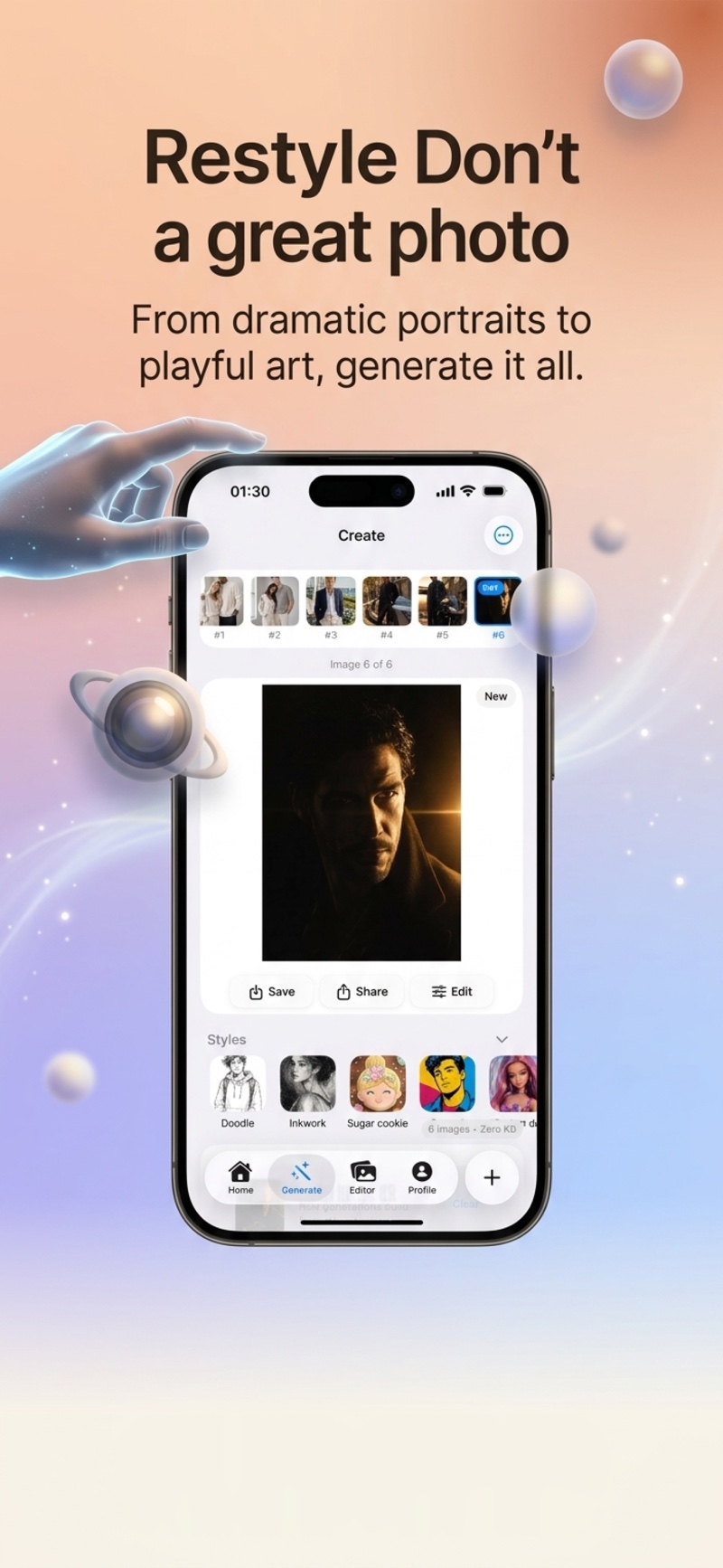
Pick a style, use a template, or just describe it — Lumia handles the rest.
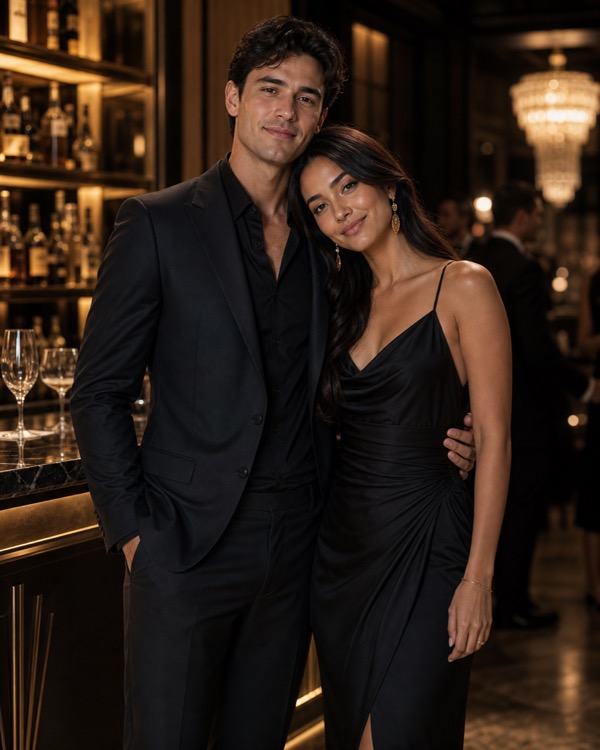
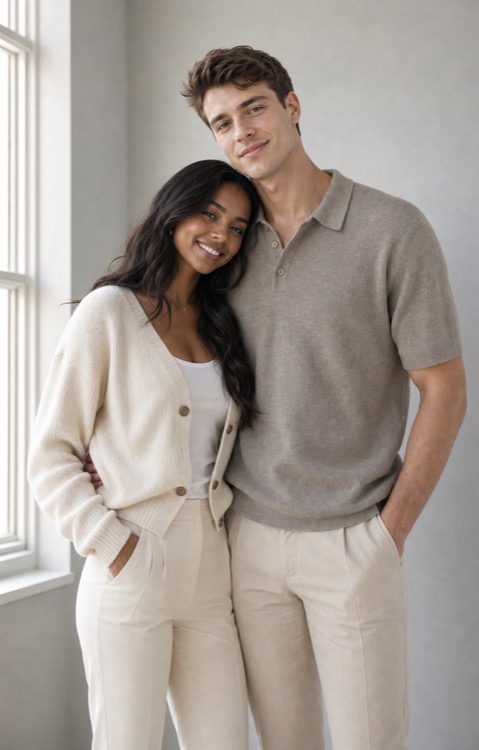
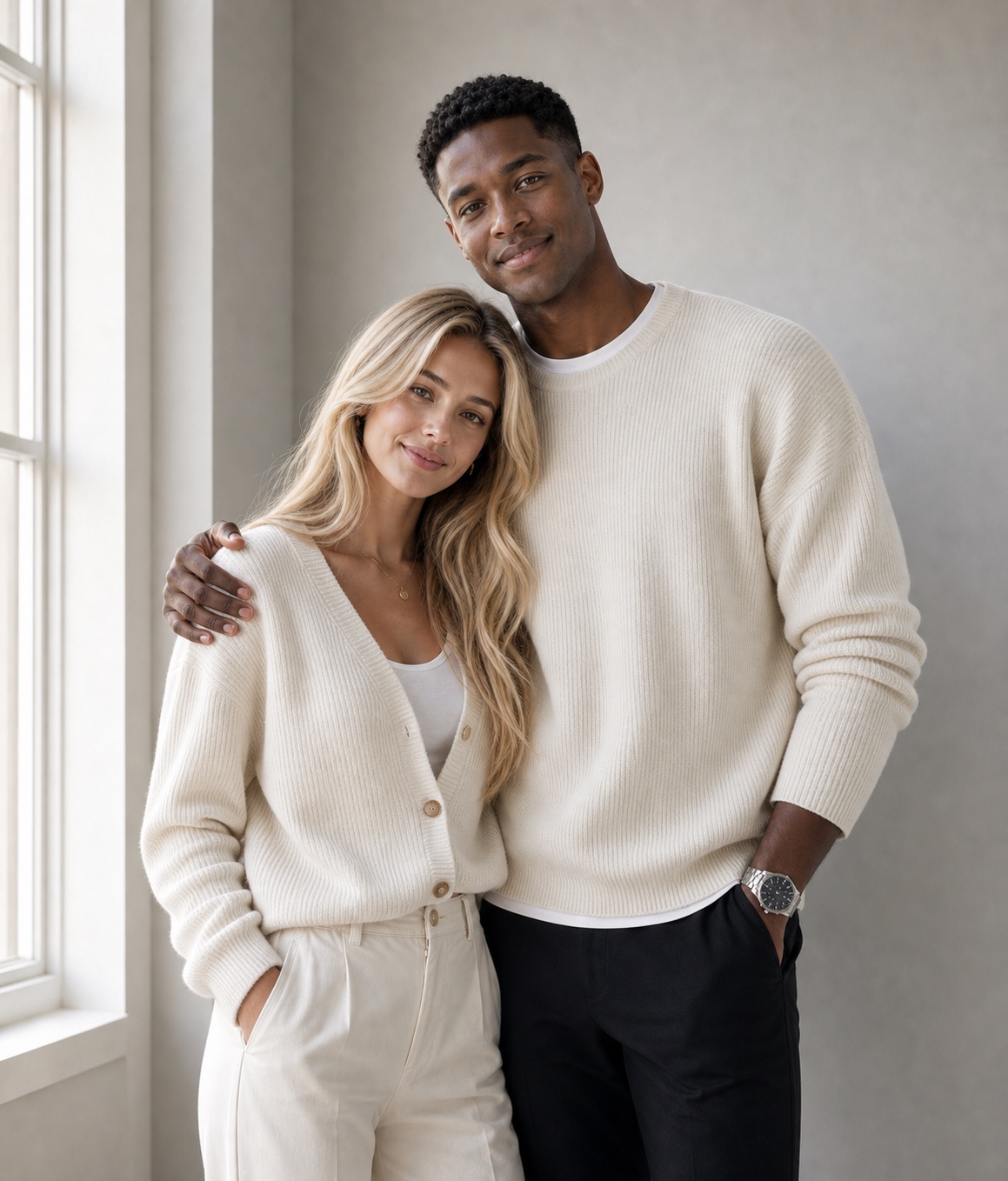
Place a boyfriend or girlfriend beside you — any scene, any style, completely believable.
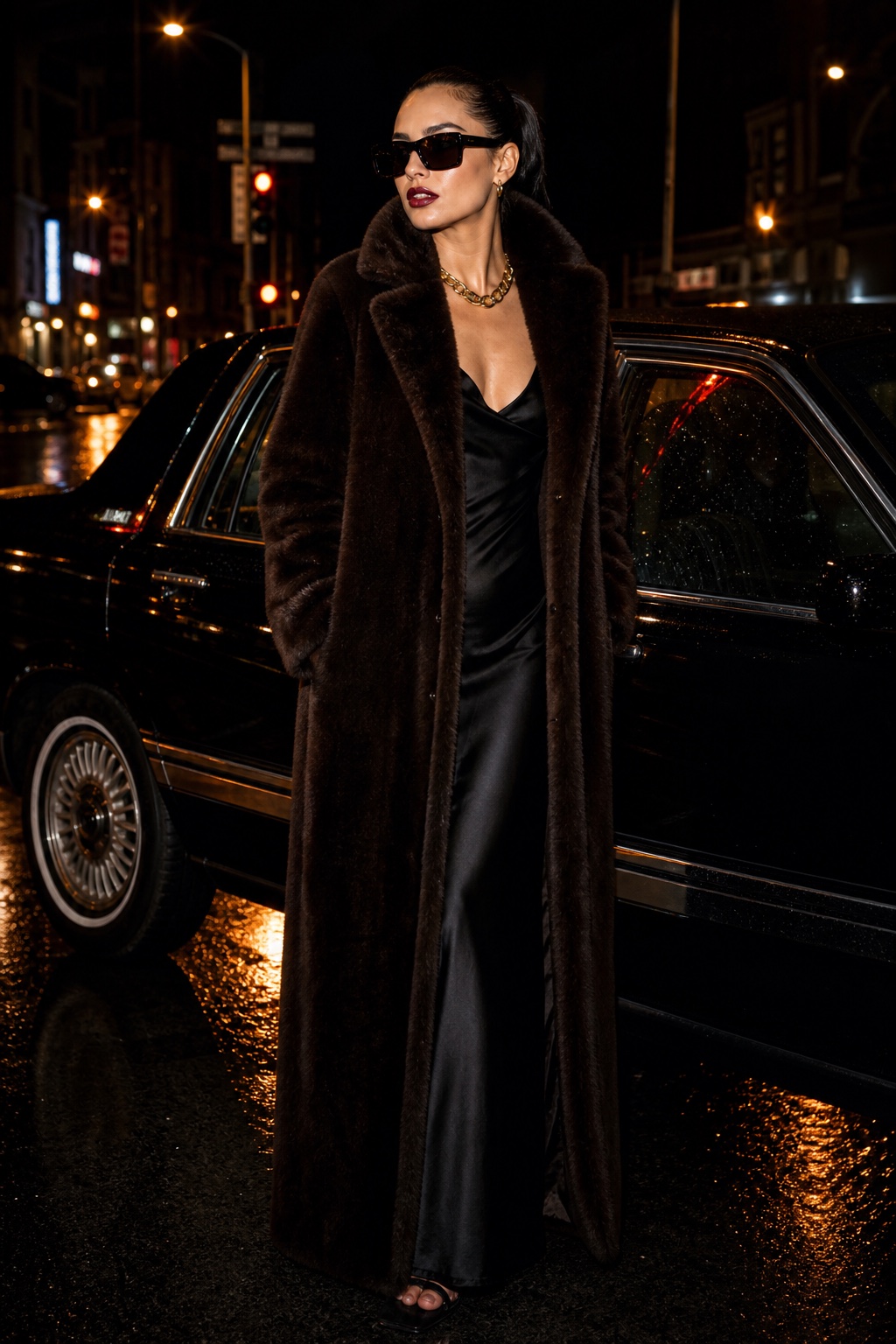
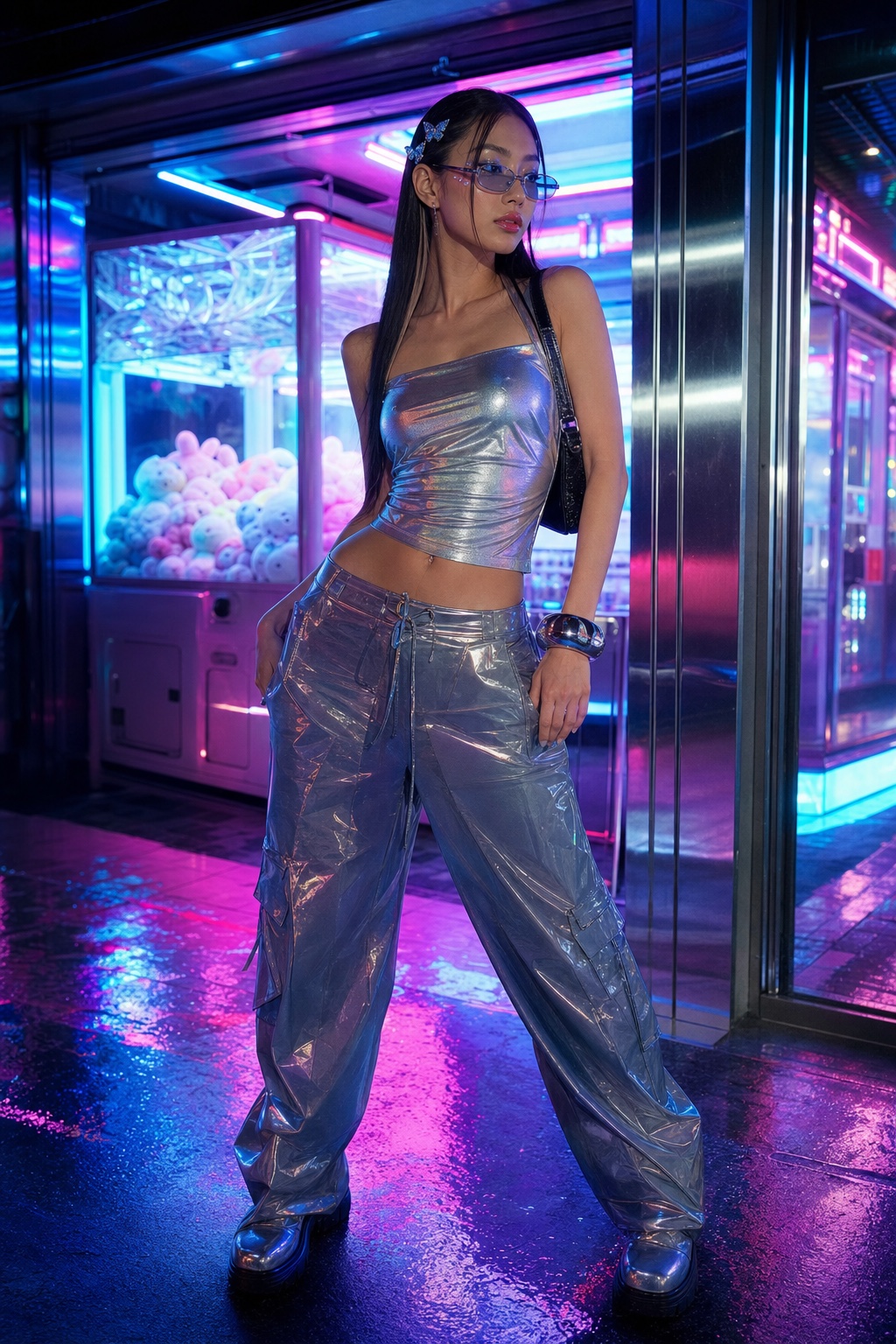
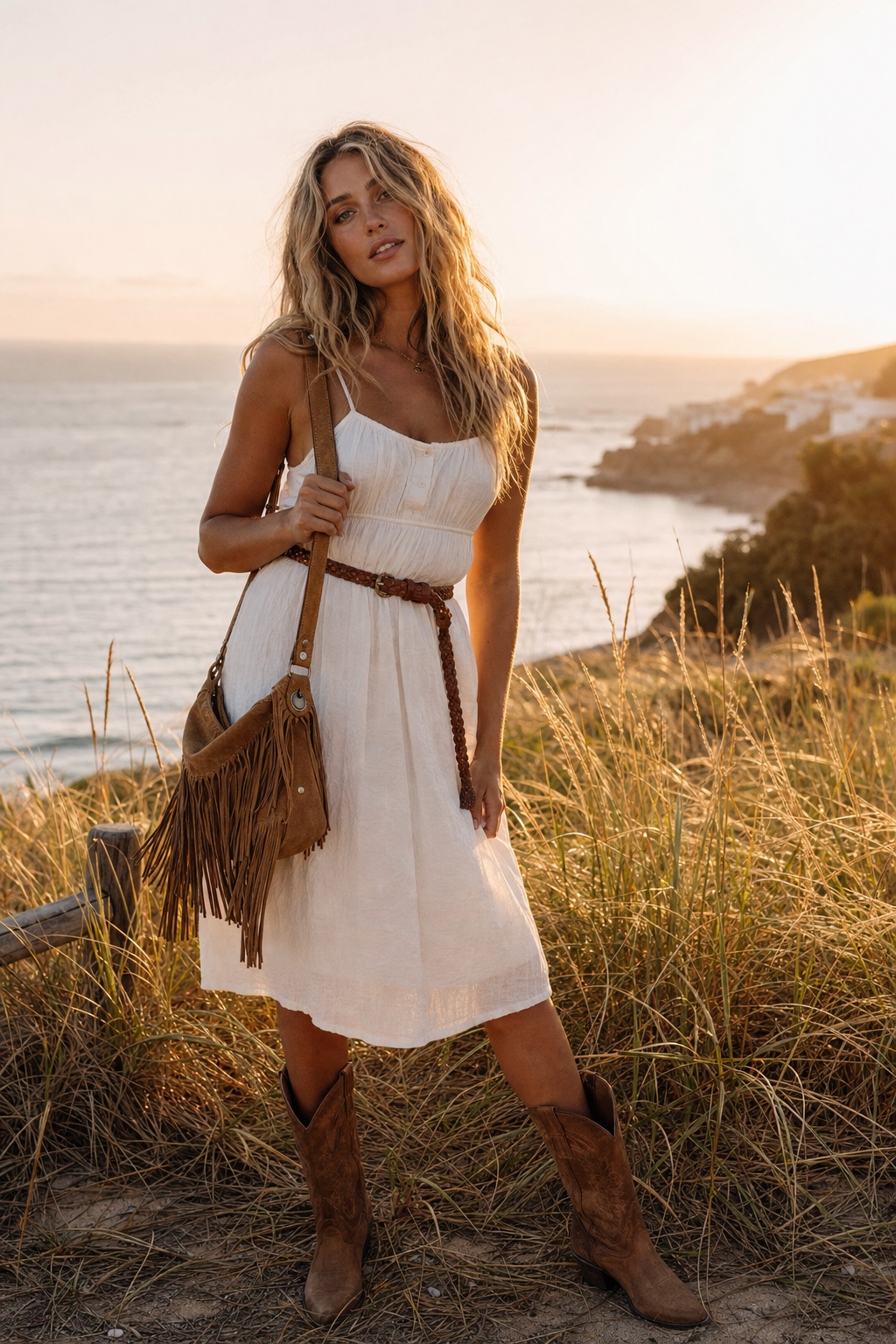
Give yourself a whole new look — outfit change, glow-up, or a full aesthetic makeover.

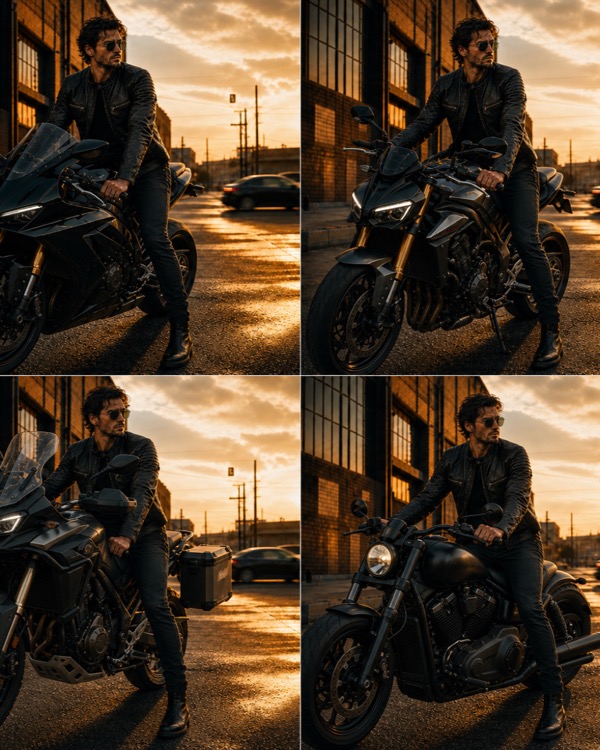

You on a yacht, a rooftop, next to a supercar — any setting you can imagine.
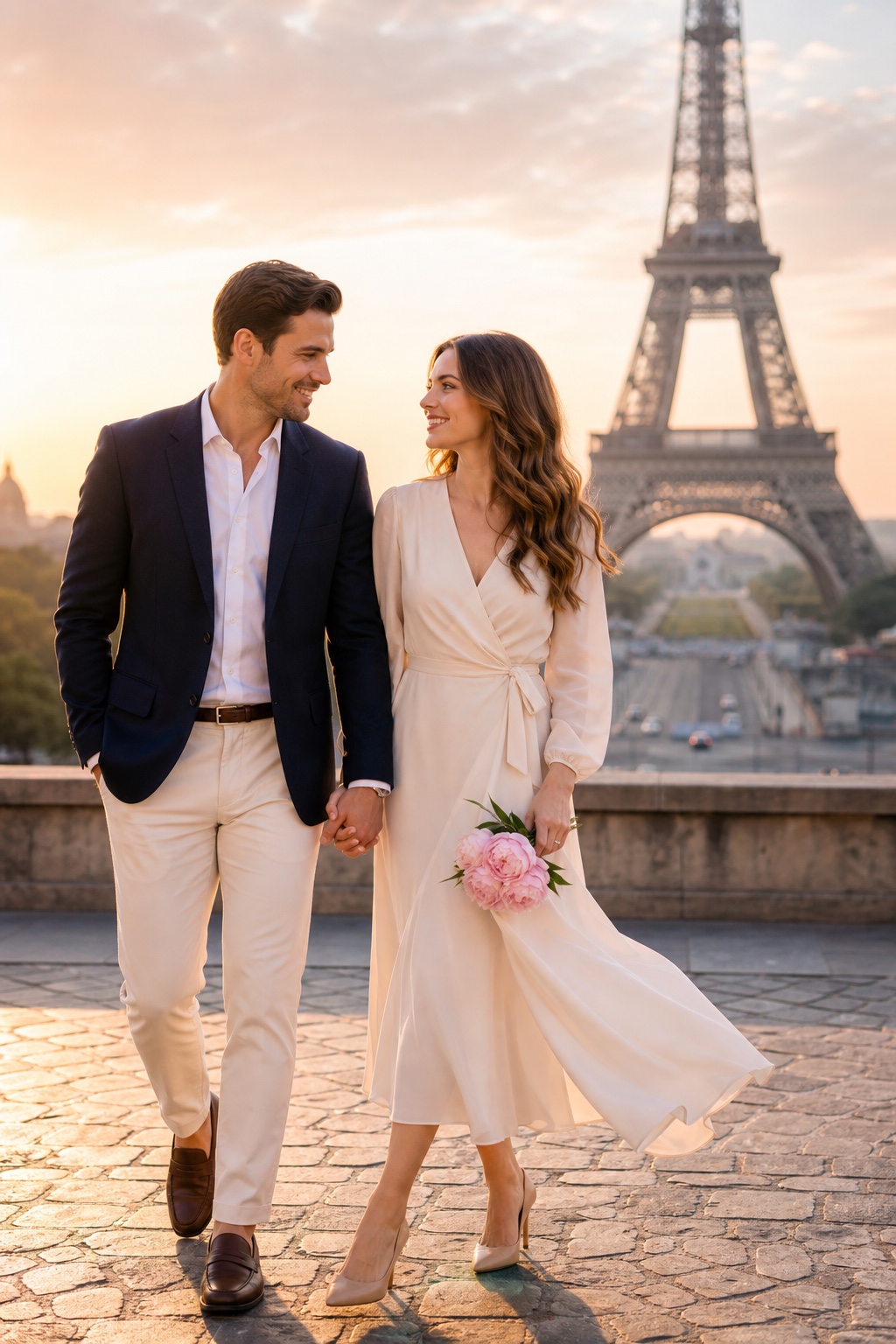
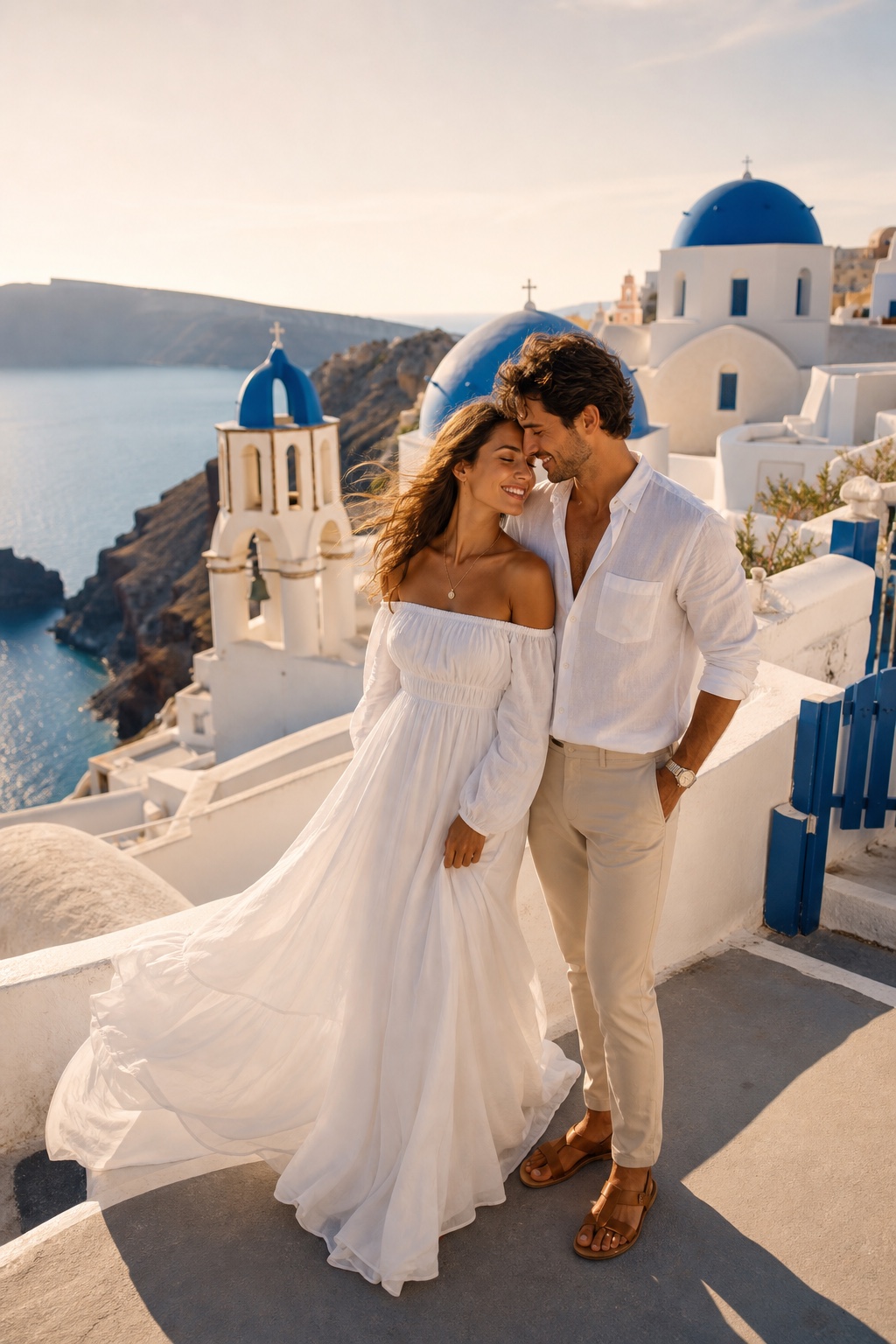
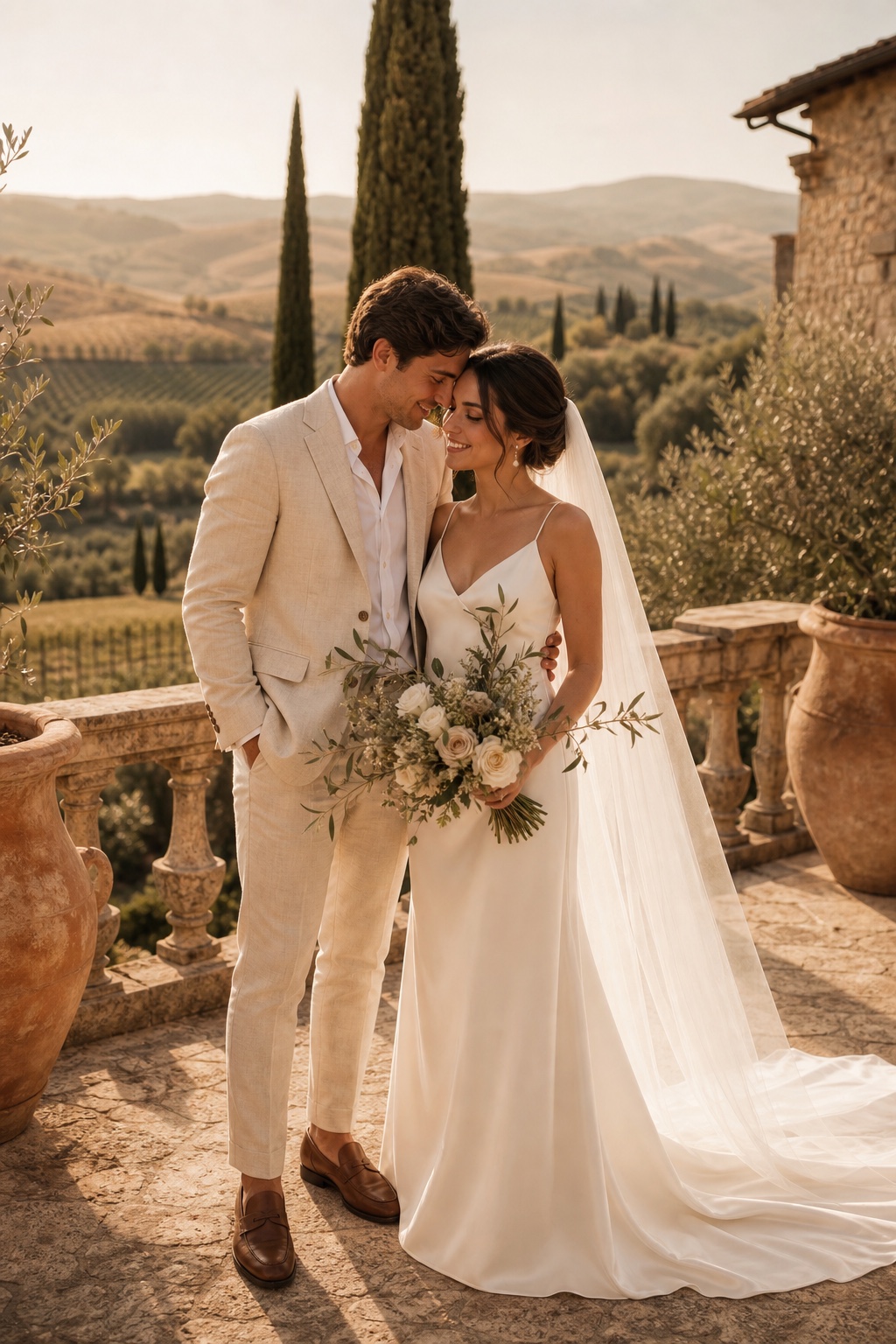
Engagements, weddings, honeymoons — turn two selfies into one perfect shot.
From retro anime to old money Riviera — find the aesthetic that's yours.
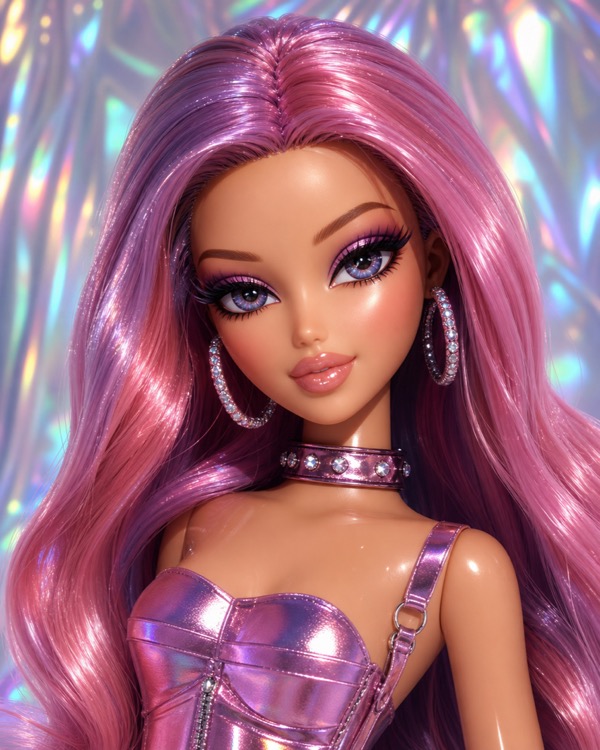 3D Glam Doll
  Retro Anime
 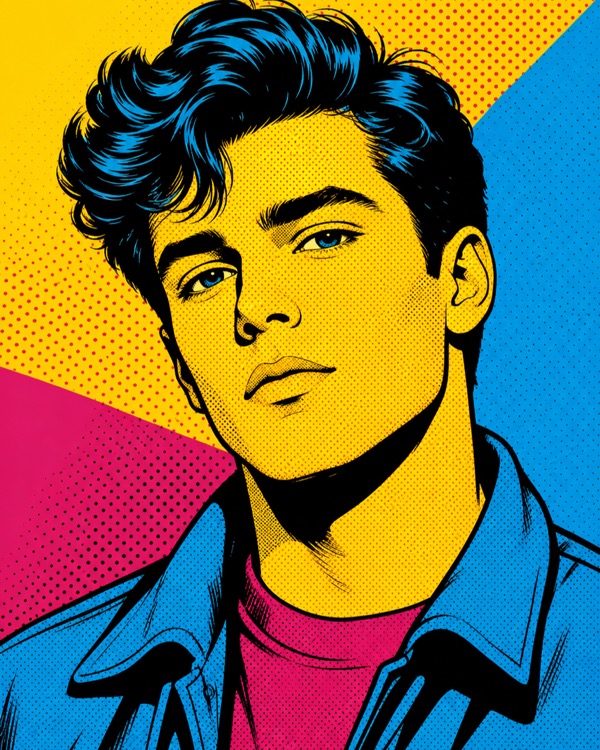 Pop Art
 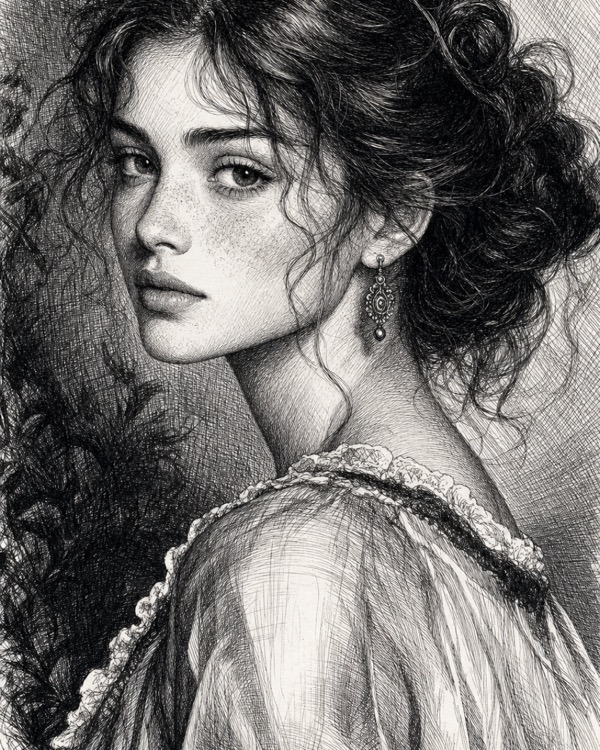 Inkwork
 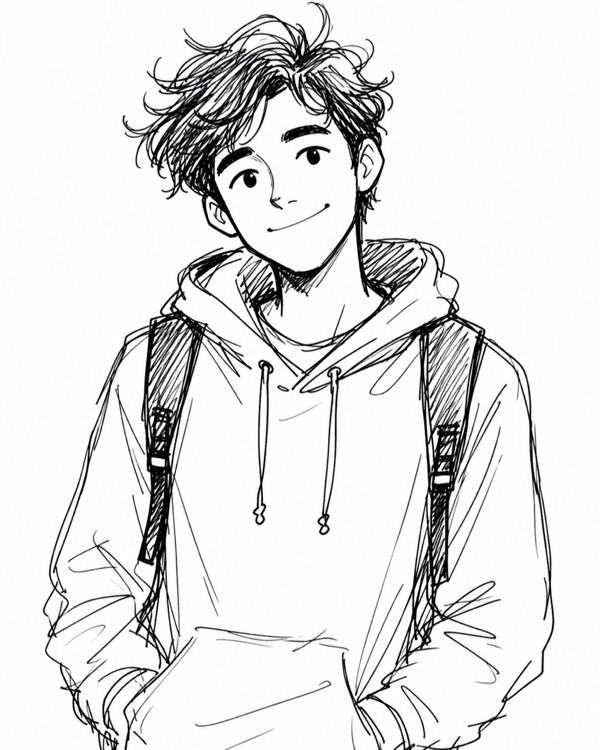 Doodle
 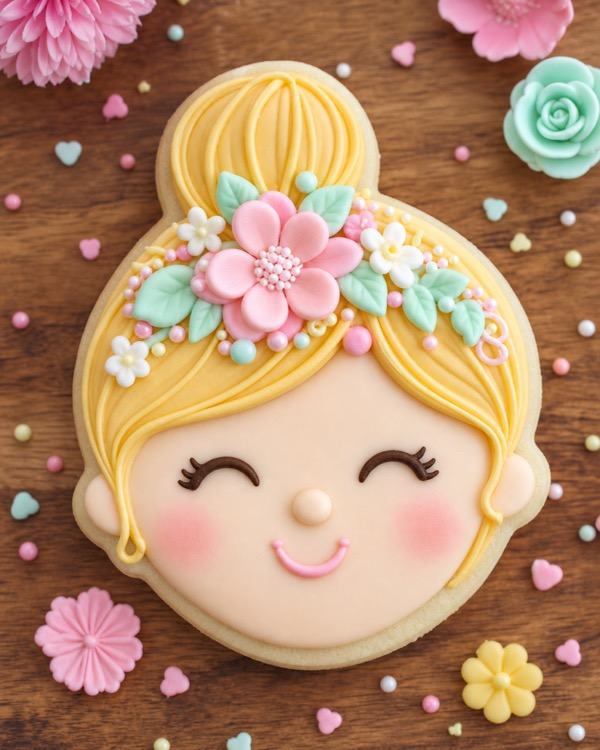 Sugar Cookie
 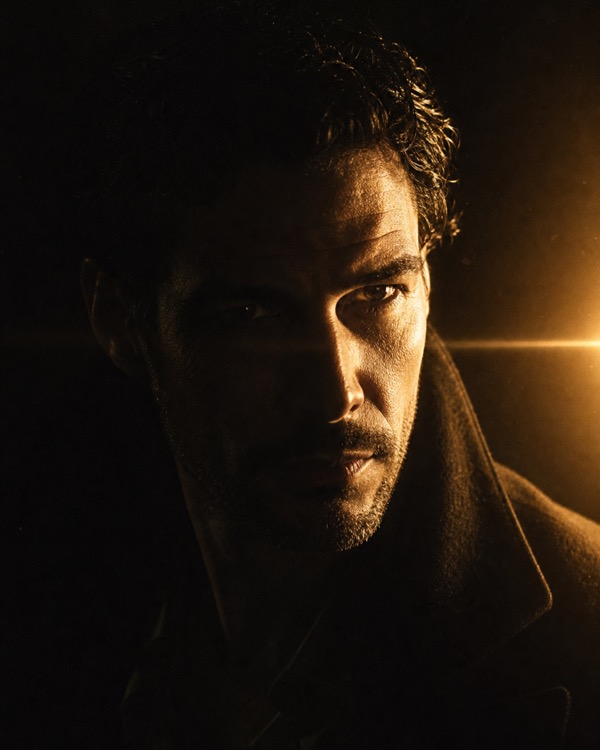 Dramatic
 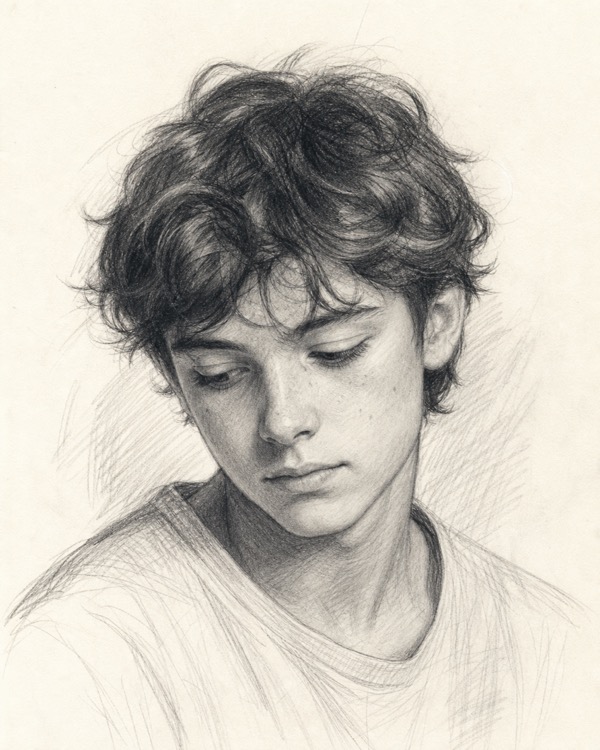 Sketch 3D Glam Doll Retro Anime Pop Art Inkwork Doodle Sugar Cookie Dramatic Sketch
 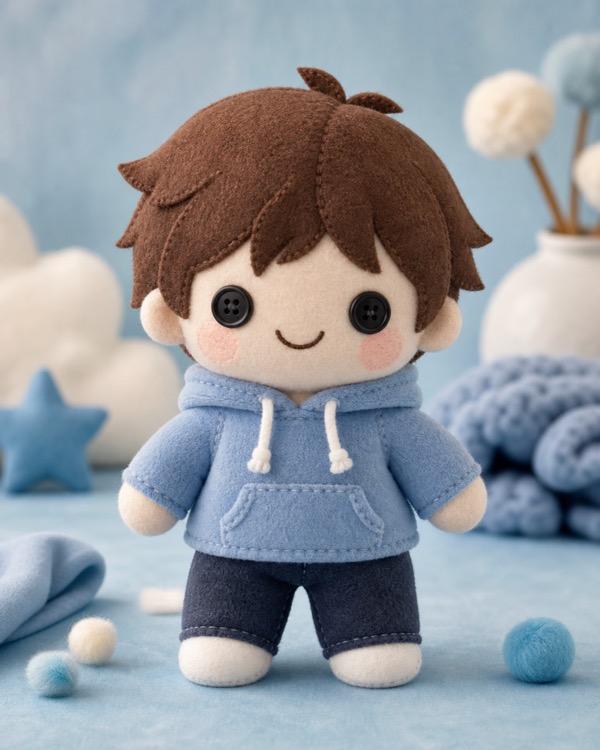 Plushie
 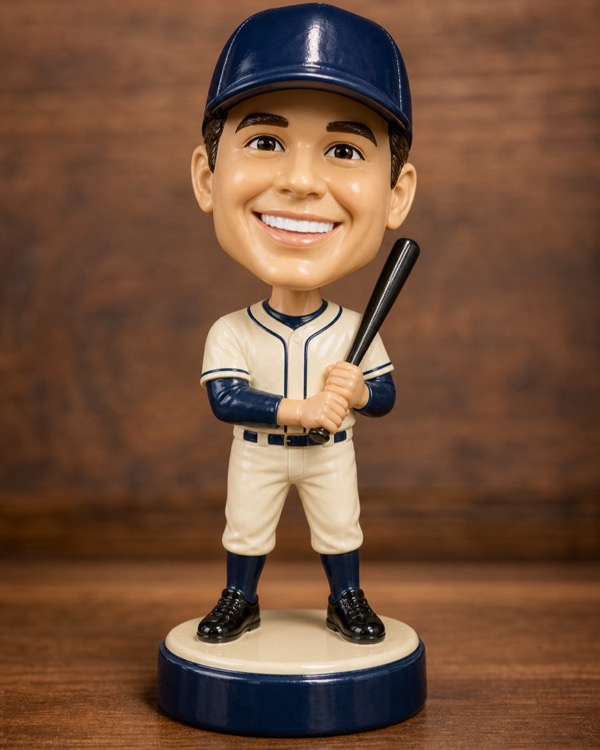 Bobblehead
  Hamptons
 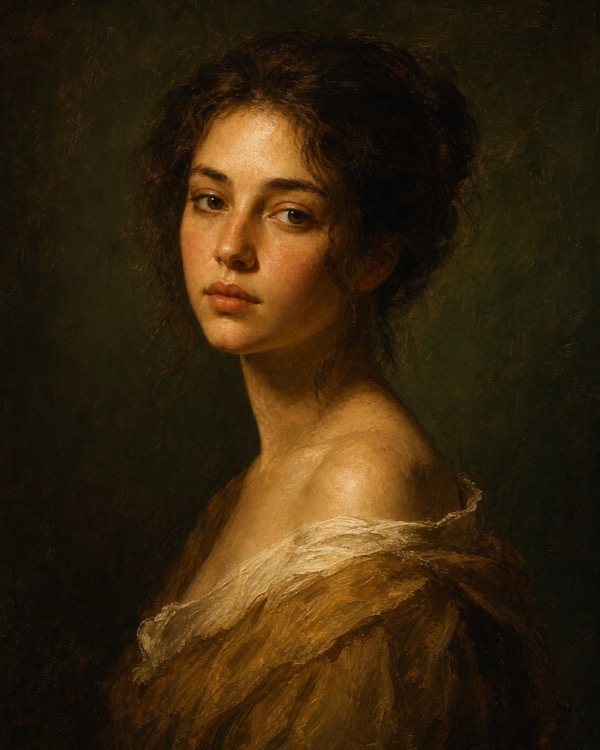 Art School
  Holiday Portrait
 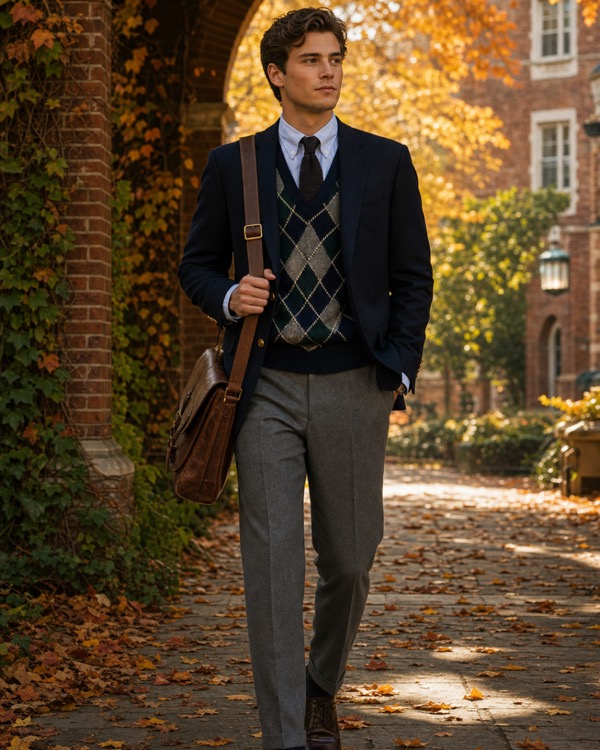 Ivy League
 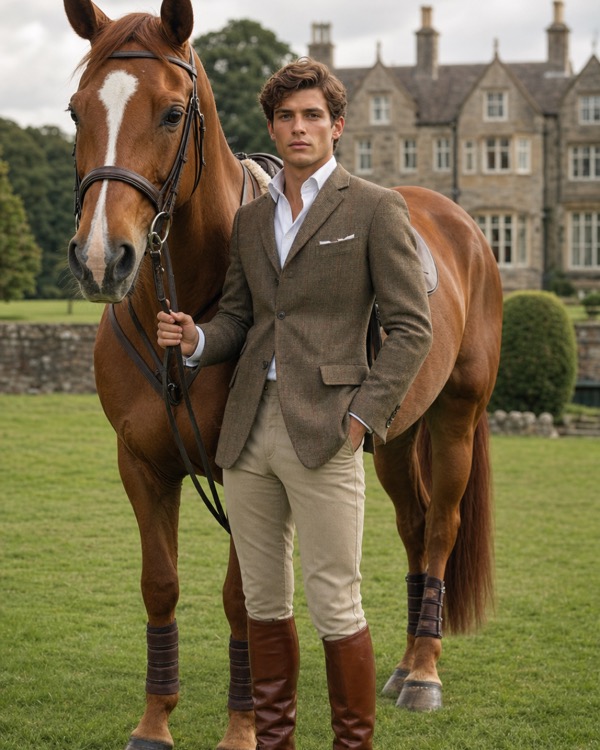 Equestrian
 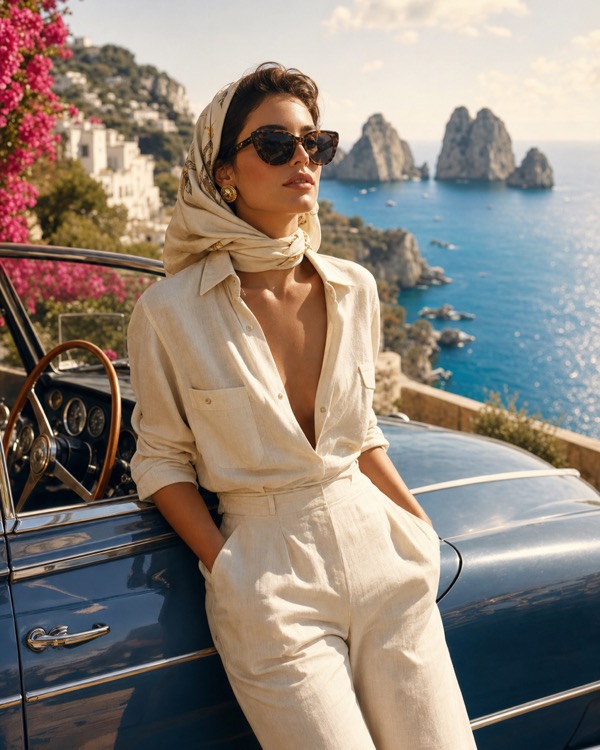 Riviera Plushie Bobblehead Hamptons Art School Holiday Portrait Ivy League Equestrian Riviera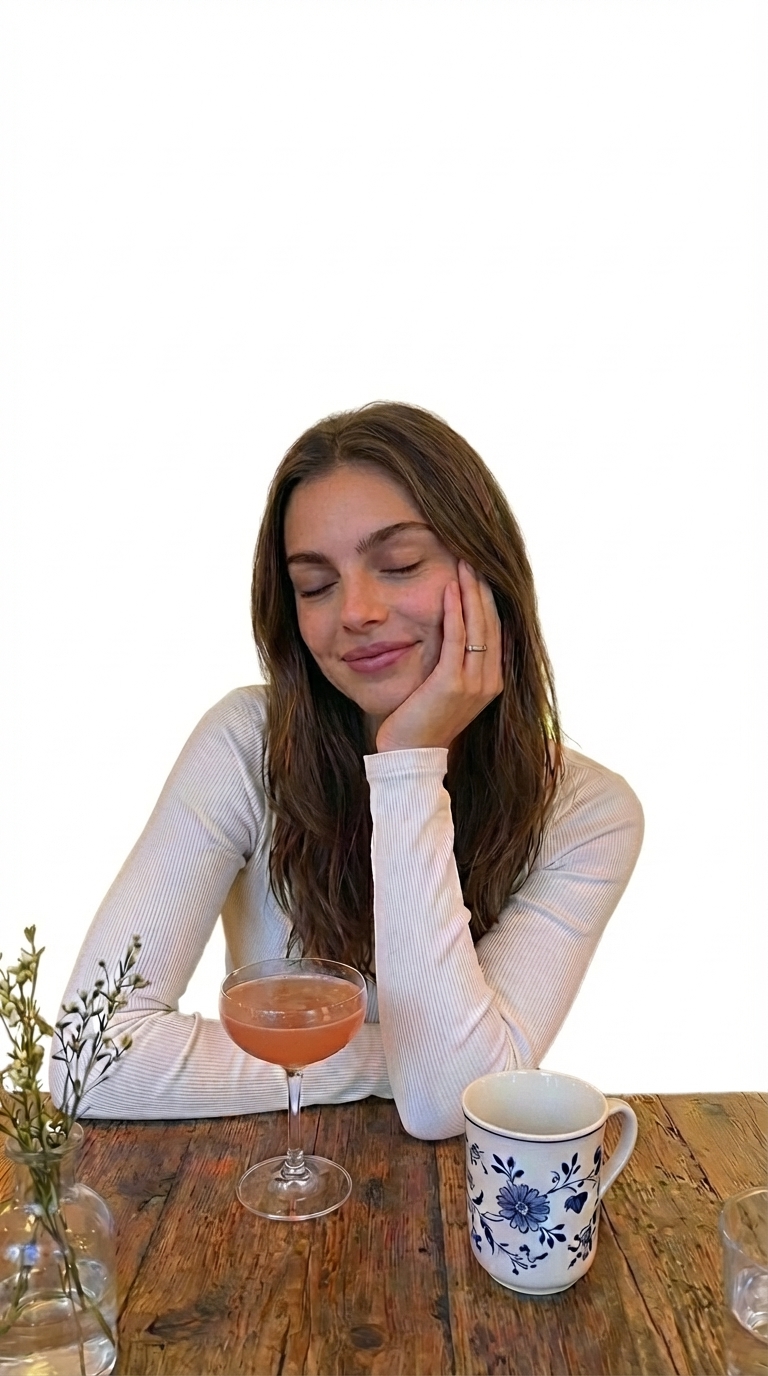
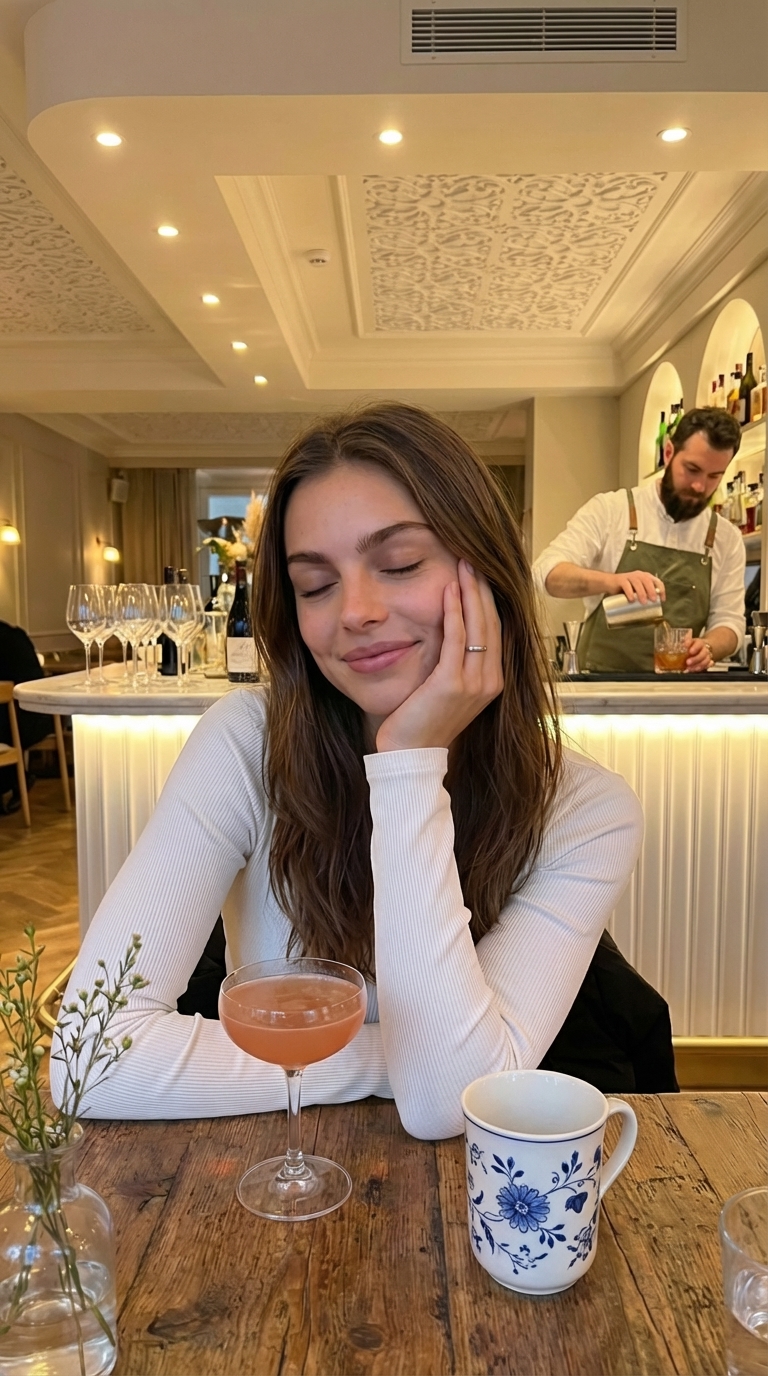
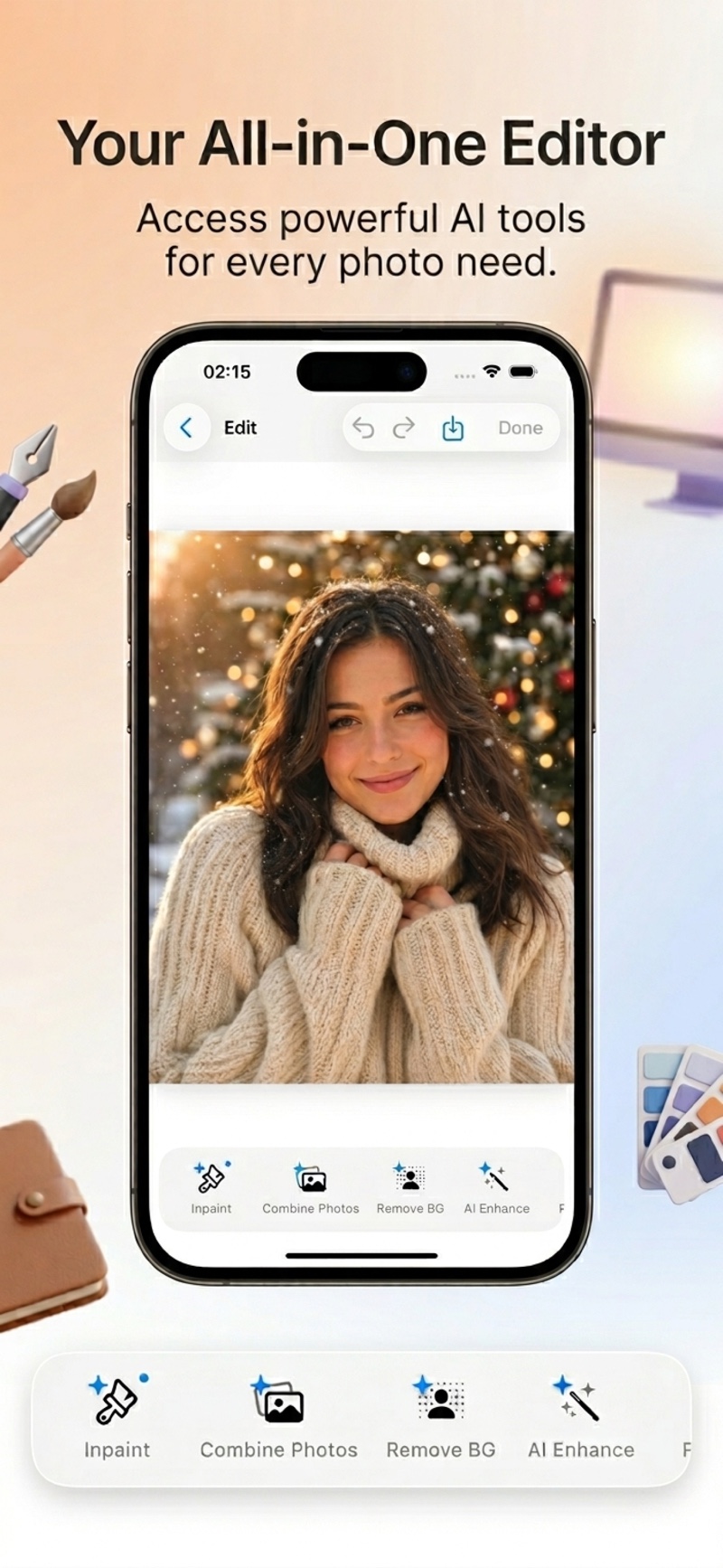
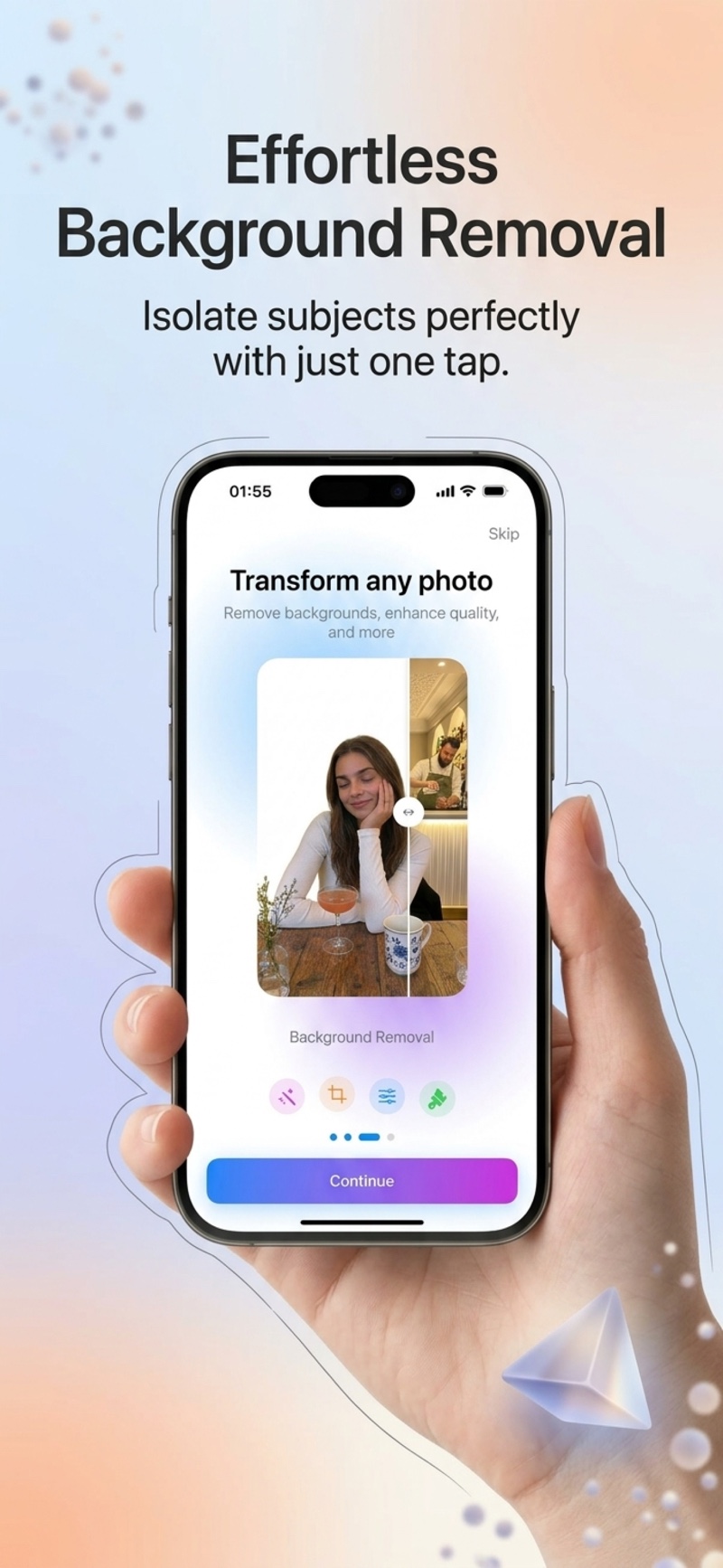
One tap removes the background with pixel-perfect precision — or just ask for it in the chat. No manual selection, no masking.
AI tools that used to take hours — now one tap in Lumia.
Paint over any area and replace it with AI-generated content — remove objects, swap elements, add details.
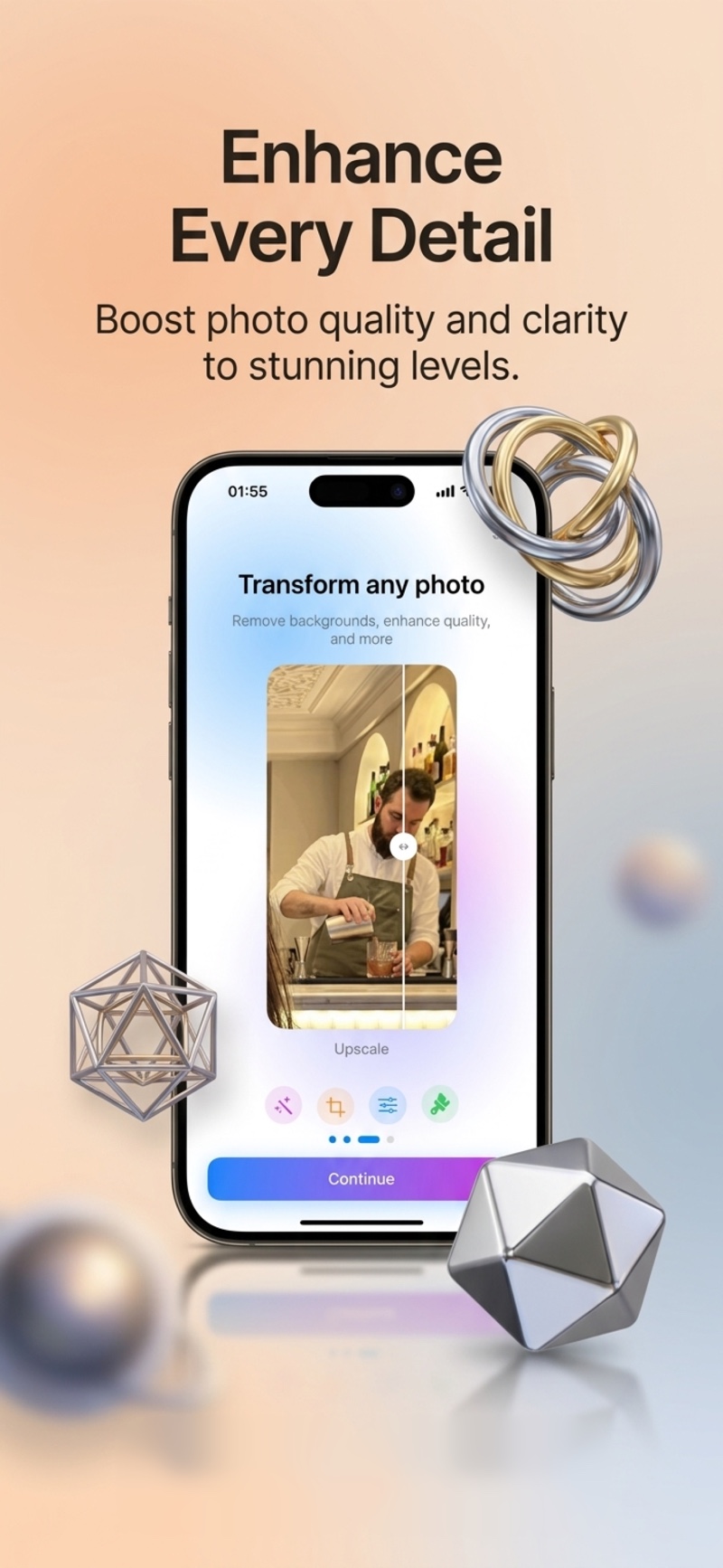
Sharpen, clarify, and upscale any photo to gallery-grade quality. Perfect for older or low-resolution shots.
Natural skin smoothing and subtle detail refinement. Look polished — not filtered.
Add a partner, restyle, blend, remove backgrounds, enhance — every tool, one elegant app.
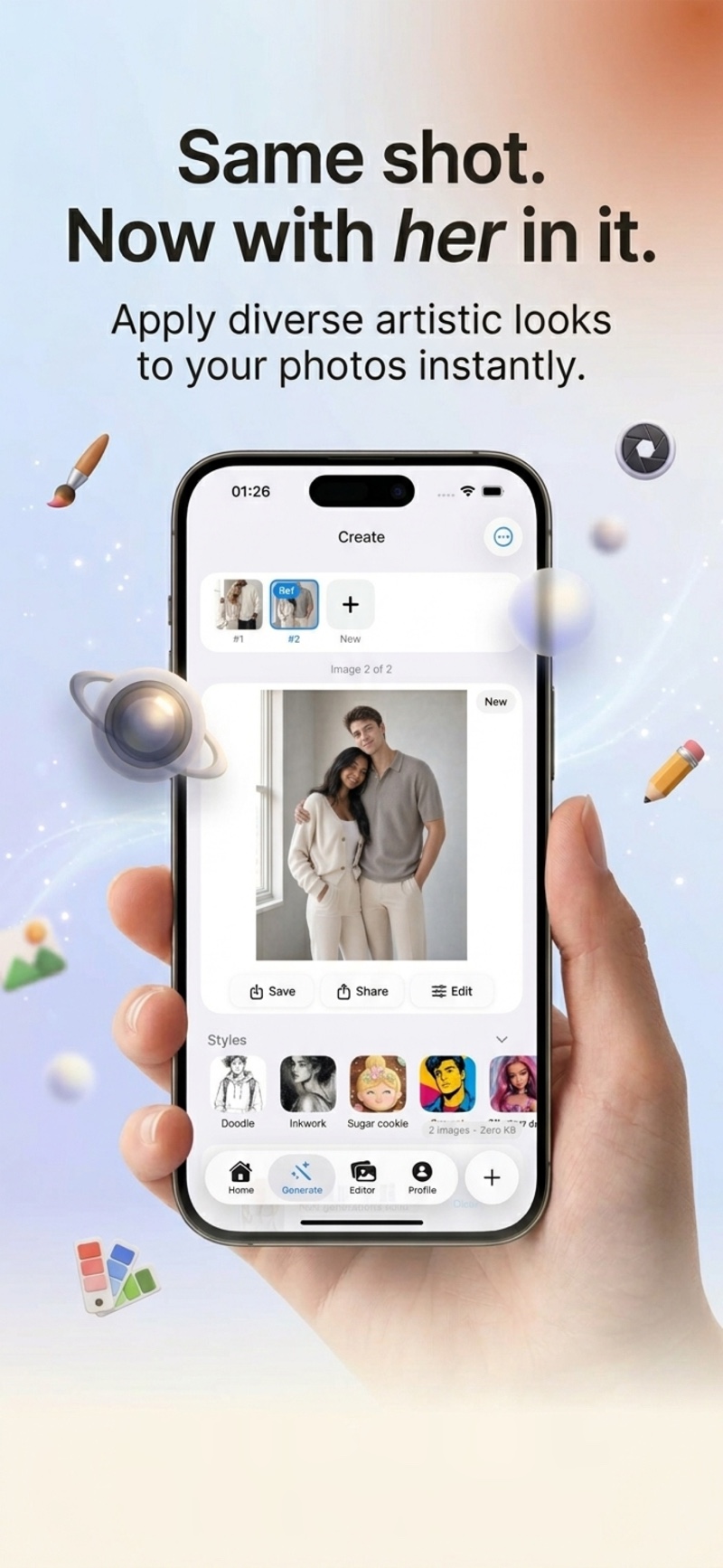
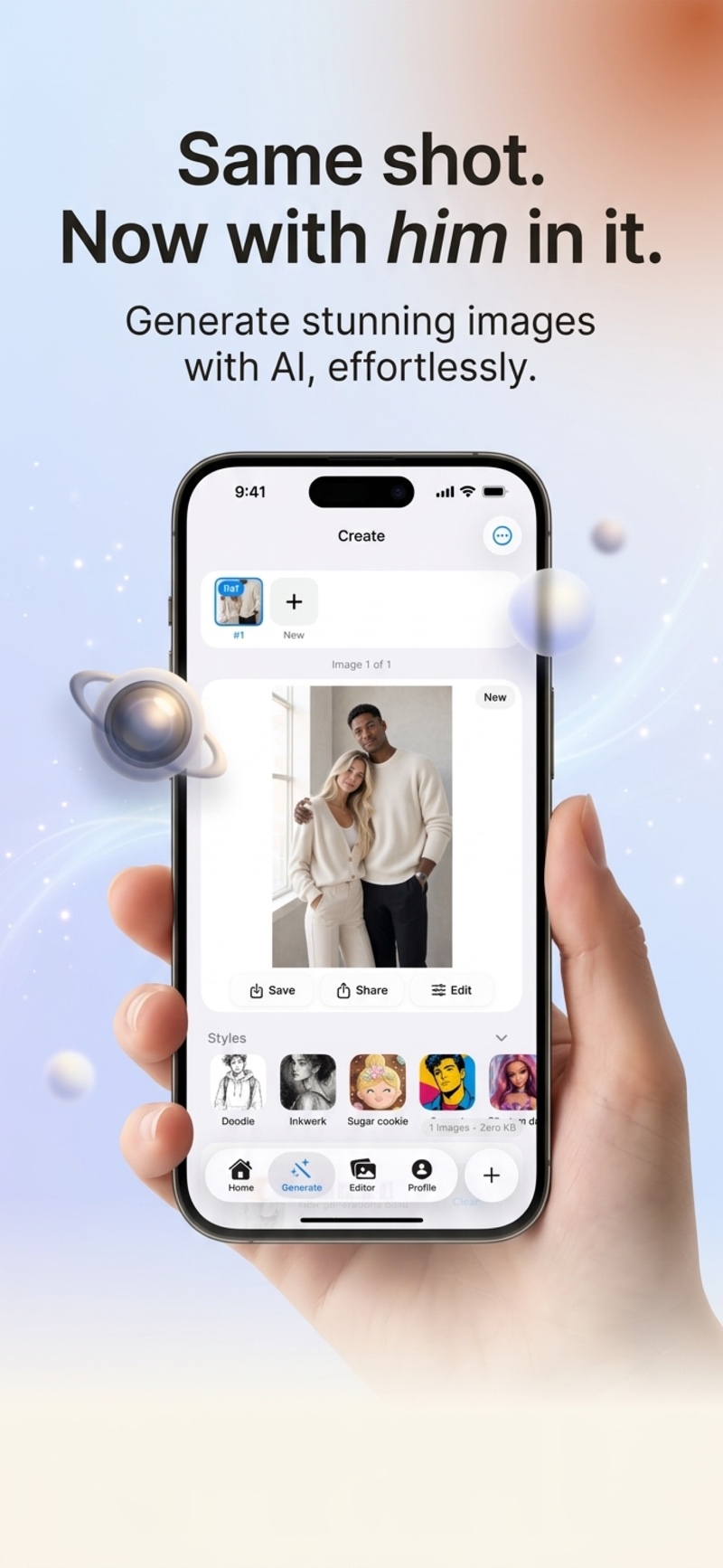
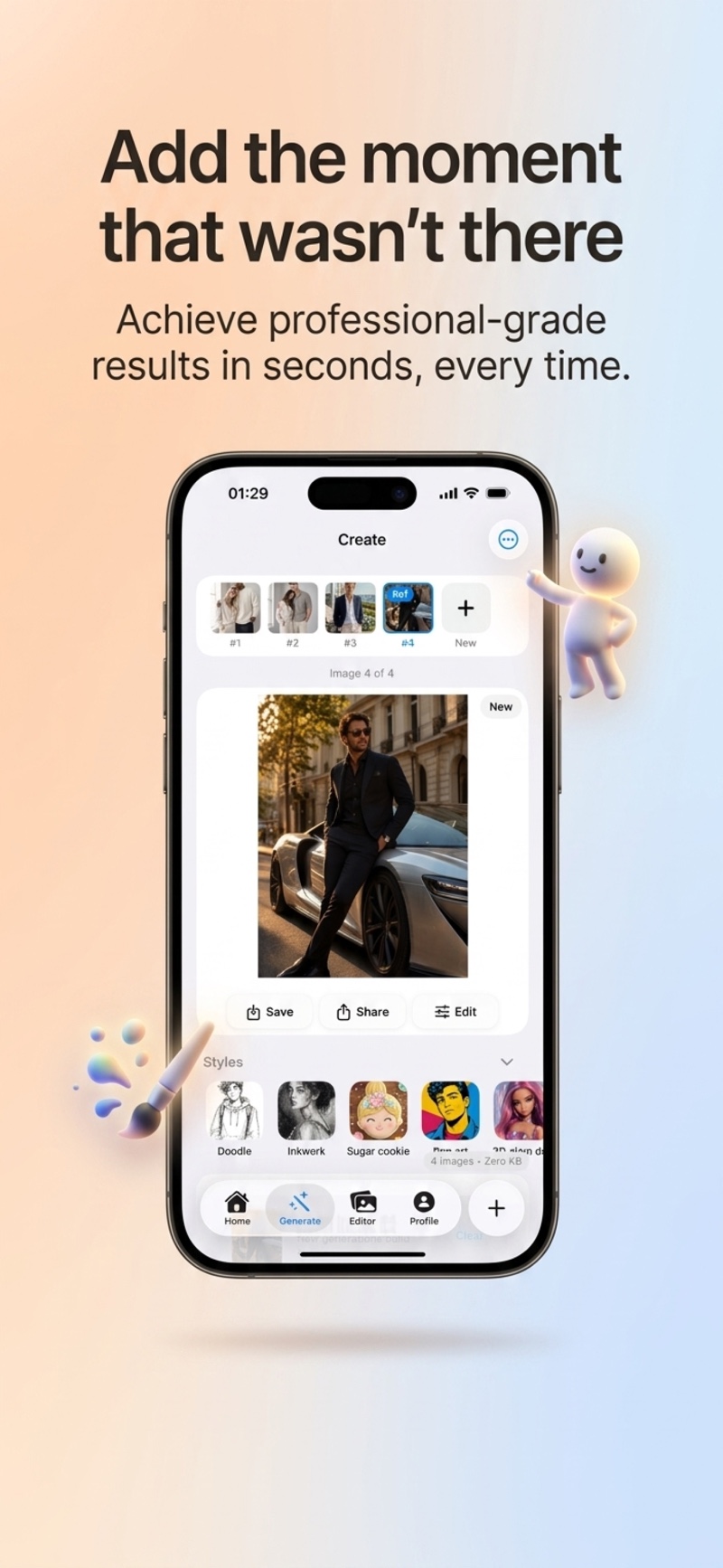
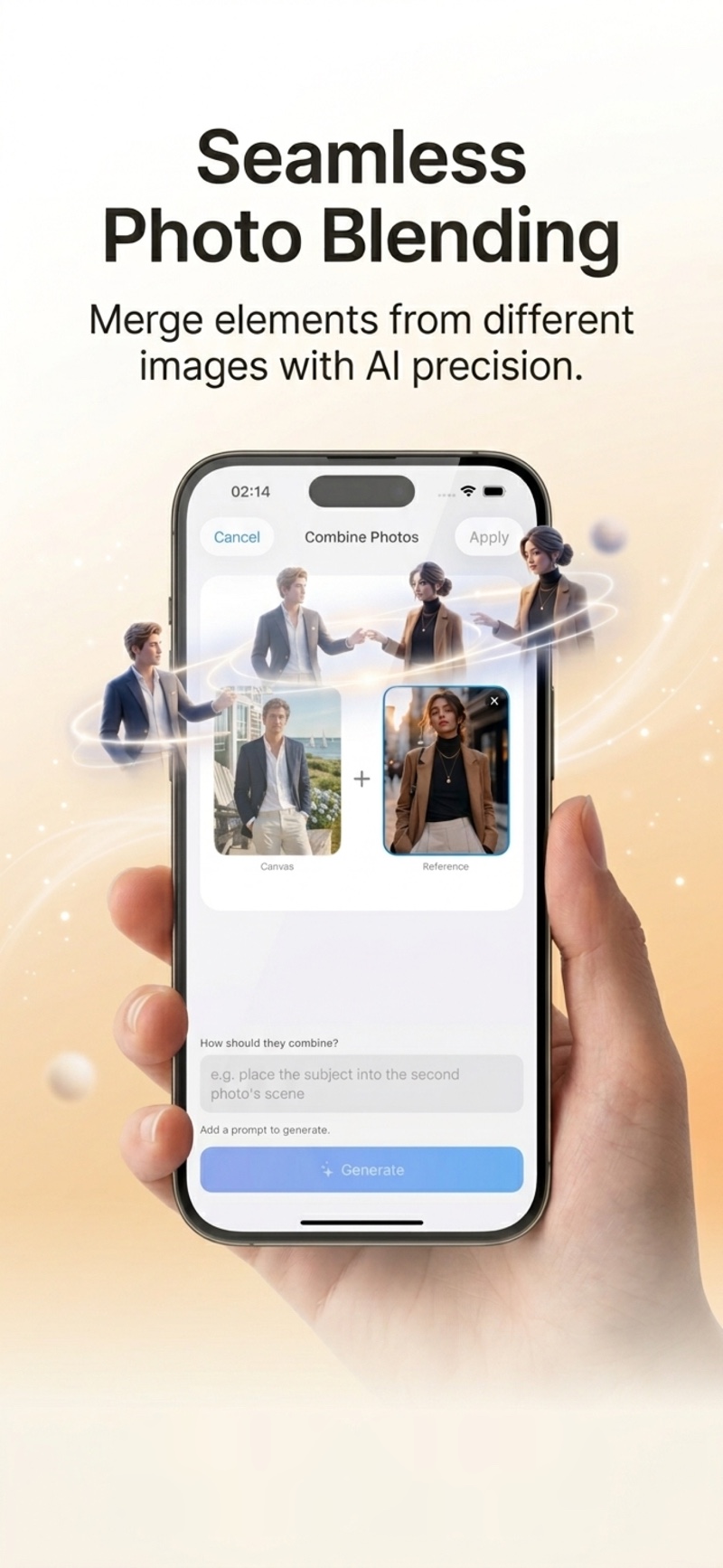
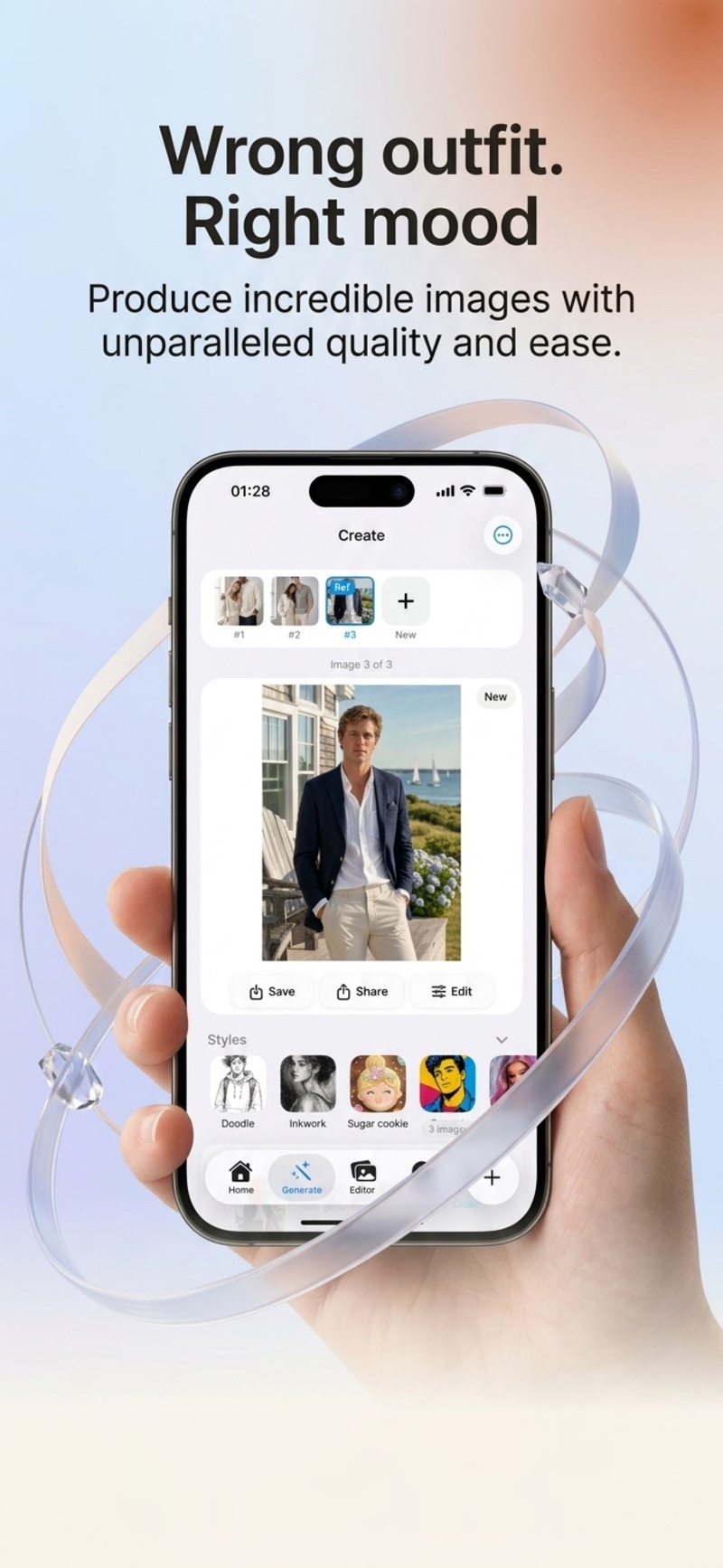
Start with a selfie, a couple shot, or any photo from your camera roll. Lumia works with any image.
Choose from 60+ curated styles or describe what you want. "Add a partner in Hamptons style" — that's it.
Your creation is ready. Download in full HD, watermark-free — ready to share anywhere.
Free to try. No credit card required. Available on iPhone.